
1 / 9
Big Rig Truck 10-Wheeler Print in Place PLUS (See Video)
Zamów wydruk tego modelu
Obliczymy ostateczną cenę na podstawie wybranego pliku. Sprawdzisz ją i zaakceptujesz przed płatnością.
Zapisane na tym urządzeniu.

No Supports. Print in Place + 4 Stops! Each stop add Pre-Printed Wheels, wheels printed INTO model. Cab-over version.
- Ocena
- 5 / 5
- Polubienia
- 129
- Pobrania
- 333
- Wydruki
- 4
- Wyświetlenia
- 1815
- Oceny
- 3
Aktualizacja u źródła:
Informacje o modelu
- Źródło
- Printables
- Kategoria
- Other Toys & Games
- Licencja
- Creative Commons — Attribution — Noncommercial — Share Alike
SzczegółyPliki (11)Wydruki i komentarze (Wydruki: 4) (Komentarze: 6)Remiksy (0)Kolekcje (175)Powiązane
What is Print in Place PLUS? It's adding filament change stops to insert parts.
- Filament changes are set to 13.4, 29.6, 53.0, & 69.4 (for .30mm layers 69.5)
- Do not change color, instead just add tires and restart with same color.
- Tires will be printed into the truck permanently.
CAUTION - Be sure tires clear Pinda Sensor and Nozzle before continuing!!
it will be close but should not interfere. Follow directions step-by-step:
Step 1: Print 10 Tires. You will need these when printing the main truck.
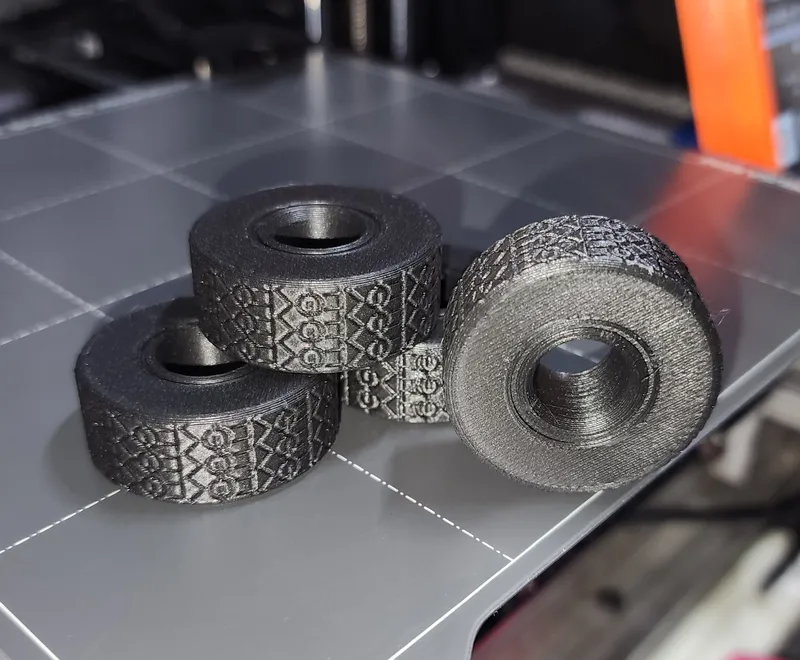
Step 2: At each stop add 2-3 Tires. Direction doesn't matter, they are symmetrical. Make sure they sit all the way down and clear the nozzle before continuing. Gentle- Dont snap them off print bed.
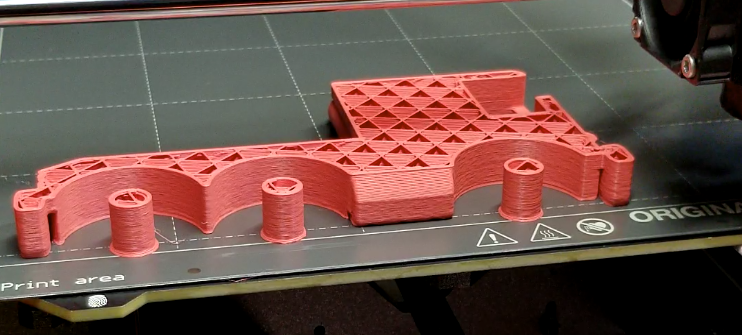
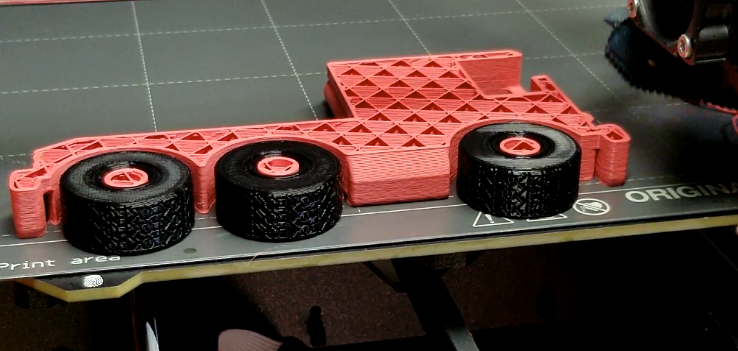
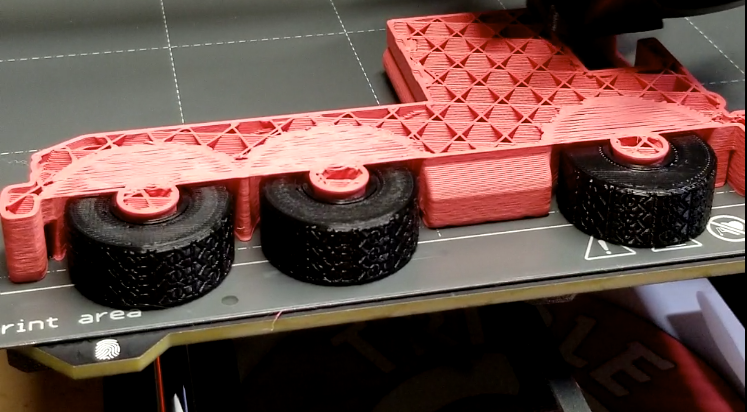
Repeat for every stop! So easy! 3-2-2-3

Here you can see the 4 stops in PrusaSlicer:
