
Big Rig Truck 10-Wheeler Print in Place PLUS (See Video)
We calculate the final price from your selected file. You review and accept it before payment.
Estimated printing price per file
€3.89 – €4.76 net (excluding VAT)
For file: ten tires mk3 60n_0.6n_0.3mm_PLA_MK3S_3h40m.gcode
This is an estimate for one file. You’ll confirm the exact price before ordering.
File and estimate settings
File used for this estimate
Average indicative estimate: €4.33 excluding VAT (range midpoint).
- Weight reported by the author
- 68 g
- Print time reported by the author
- 3.66 hr
- Source material
- PLA
- Estimate material
- PLA
- Estimate printer
- Bambu Lab P1S - 0.4 nozzle
- Estimate process
- 0.20mm Standard
Indicative estimate for the selected file only, based on the author’s weight and print time. File variants are not added together. The final price is calculated after file analysis.
Saved on this device.

No Supports. Print in Place + 4 Stops! Each stop add Pre-Printed Wheels, wheels printed INTO model. Cab-over version.
- Rating
- 5 / 5
- Likes
- 129
- Downloads
- 333
- Makes
- 4
- Views
- 1,815
- Reviews
- 3
Updated at source:
Model information
- Source
- Printables
- Category
- Other Toys & Games
- License
- Creative Commons — Attribution — Noncommercial — Share Alike
What is Print in Place PLUS? It's adding filament change stops to insert parts.
- Filament changes are set to 13.4, 29.6, 53.0, & 69.4 (for .30mm layers 69.5)
- Do not change color, instead just add tires and restart with same color.
- Tires will be printed into the truck permanently.
CAUTION - Be sure tires clear Pinda Sensor and Nozzle before continuing!!
it will be close but should not interfere. Follow directions step-by-step:
Step 1: Print 10 Tires. You will need these when printing the main truck.
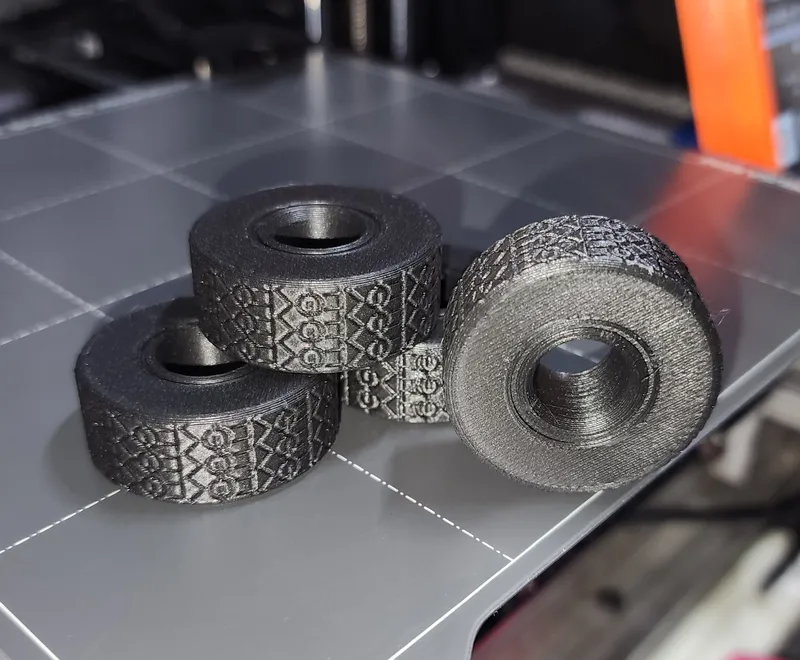
Step 2: At each stop add 2-3 Tires. Direction doesn't matter, they are symmetrical. Make sure they sit all the way down and clear the nozzle before continuing. Gentle- Dont snap them off print bed.
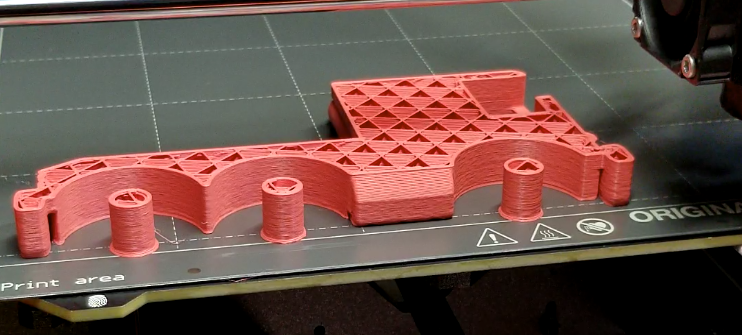
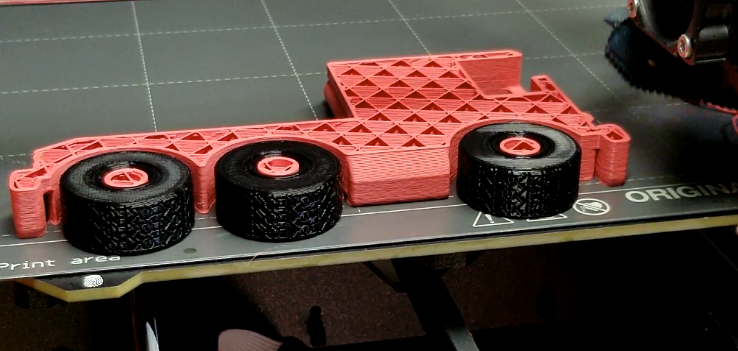
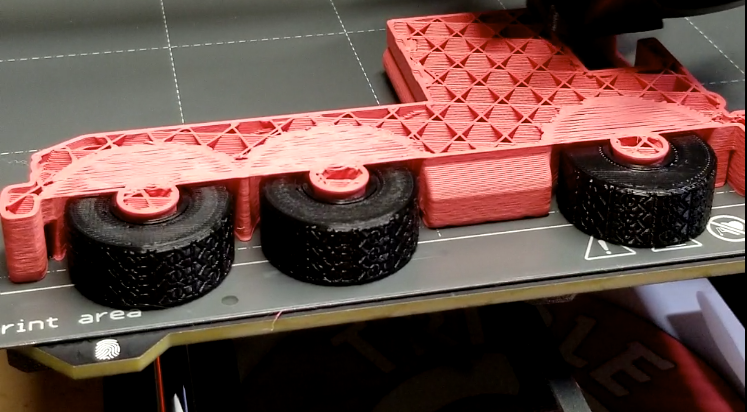
Repeat for every stop! So easy! 3-2-2-3

Here you can see the 4 stops in PrusaSlicer:
