
Phone Stand Card
Obliczymy ostateczną cenę na podstawie wybranego pliku. Sprawdzisz ją i zaakceptujesz przed płatnością.
Zapisane na tym urządzeniu.
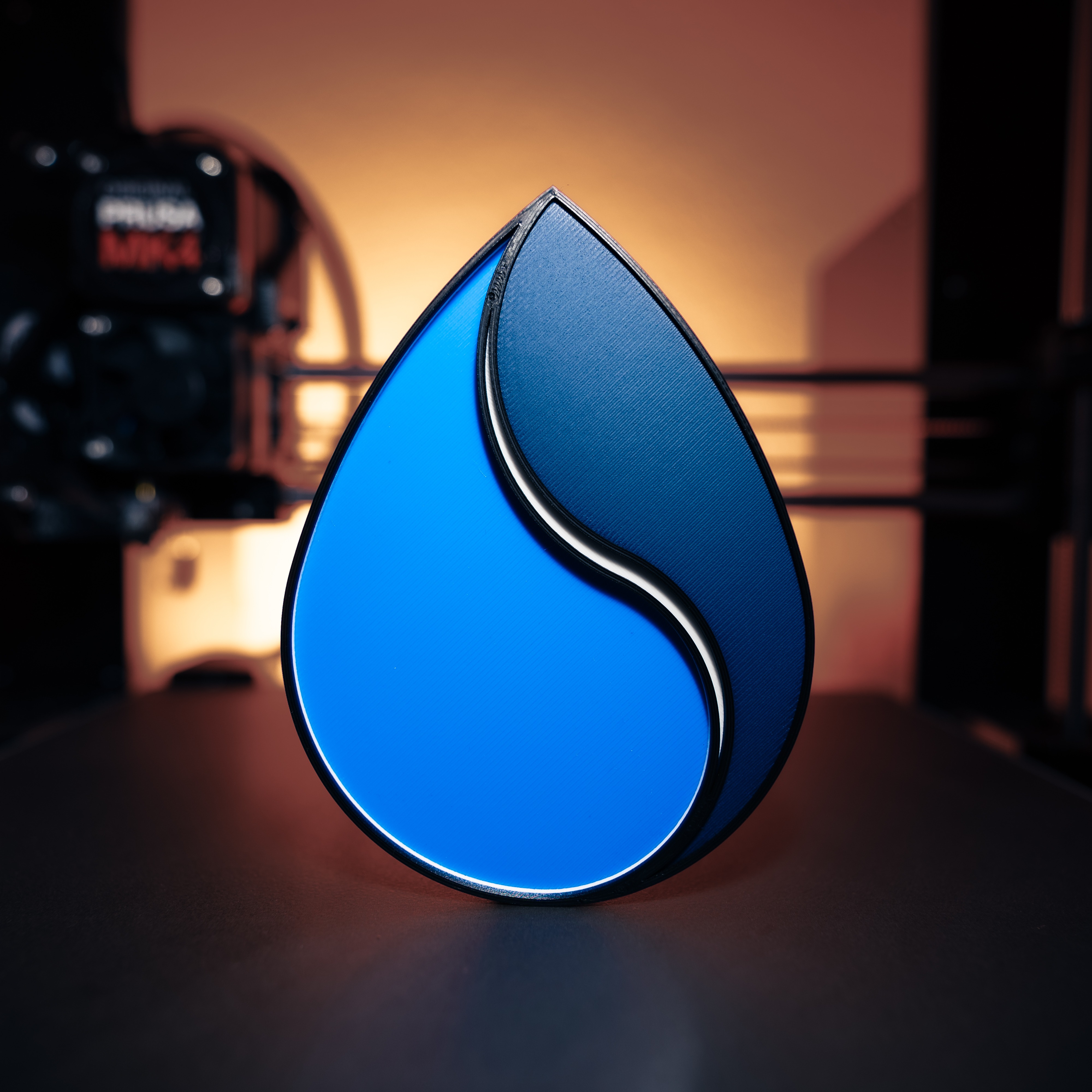
A foldable phone stand the size of a credit card (only 1.4 mm high) using living hinges out of TPU.
- Ocena
- 4,737 / 5
- Polubienia
- 402
- Pobrania
- 2007
- Wydruki
- 19
- Wyświetlenia
- 8515
- Oceny
- 19
Aktualizacja u źródła:
Informacje o modelu
- Źródło
- Printables
- Kategoria
- Other Gadgets
- Licencja
- Creative Commons — Attribution — Noncommercial — Share Alike
Introduction
I have always wanted a phone stand that is the size of a credit card and fits in my wallet for when I travel. With the help of a combination of TPU and PETG (or PLA) I was finally able to make this happen. I have already used the same composite-technique for my wallet and jewelry.
TPU is used here for the living hinges and the PETG is for stiffness. You can also use PLA instead of PETG but the adhesion is not as good as with PETG.
The stand works best when the phone is in landscape mode. Since I only use it for watching videos on planes or trains, that's enough for me. You can also use it in portrait mode, but depending on the phone size, not all positions are stable. For example, with my Pixel 7 Pro, I can only safely use 3 of the 6 positions in portrait mode.
Printing
You can either use the already sliced file (*_PS.3mf - only works with firmware RC 5.0 or above) or follow this guide to printing the part with only one extruder. If you have multiple extruders, you can omit or adjust a few of these steps:
- Load the 3mf-file in PrusaSlicer
- Go to ‘Print Settings’ → ‘Multiple Extruders’ → Disable ‘Wipe tower’
- Go to 'Printer Settings' → 'General' → ‘Capabilities’ and set Extruders to 2
- Go to 'Printer Settings' → 'Custom G-code' → scroll down to ‘Tool change G-code’: Add
M600 - Select the layer height, filament and extruders as shown in the picture:
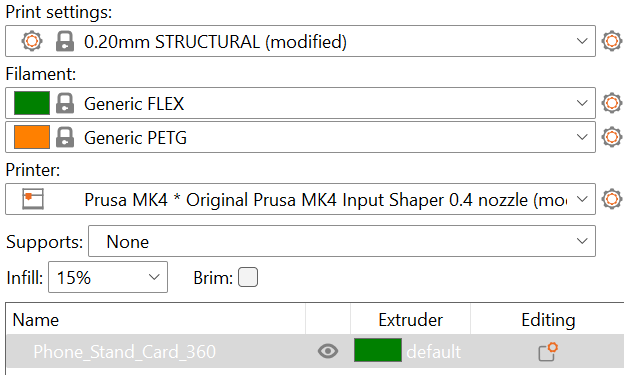
- Slice the part → At the height 0.6 mm (layer 3) click the ‘+’-button and change to extruder 2:

I chose the generic FLEX and PETG profiles as filament profiles. Of course you can also choose your own profiles.
Done!