
1 / 3
Arducam 16 MP Autofocus Camera 2020 Extrusion Mount for Voron Trident
Zamów wydruk tego modelu
Obliczymy ostateczną cenę na podstawie wybranego pliku. Sprawdzisz ją i zaakceptujesz przed płatnością.
Zapisane na tym urządzeniu.
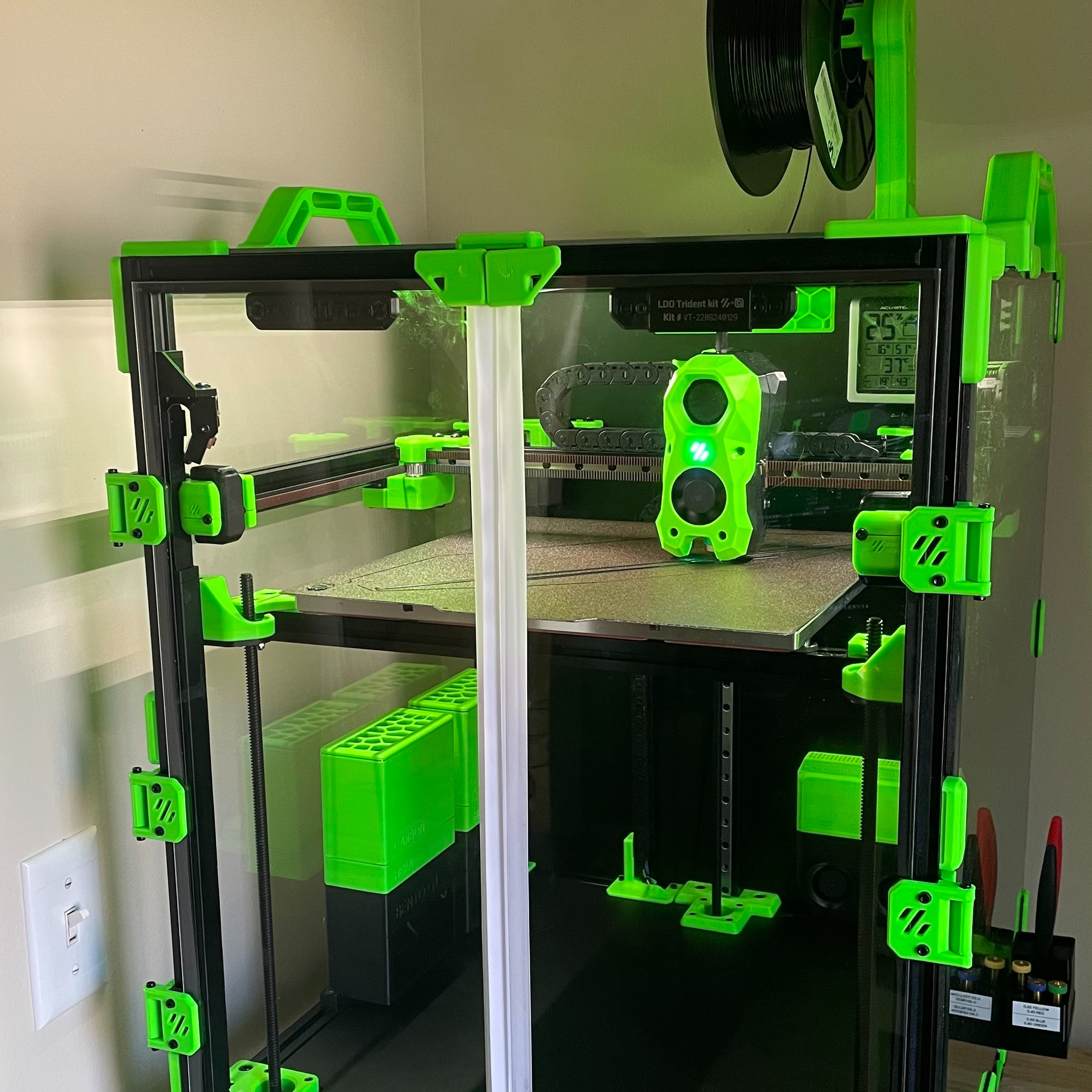
Arducam 16 MP Autofocus Camera Mount
- Ocena
- 0 / 5
- Polubienia
- 23
- Pobrania
- 133
- Wydruki
- 0
- Wyświetlenia
- 1396
- Oceny
- 0
Aktualizacja u źródła:
Informacje o modelu
- Źródło
- Printables
- Kategoria
- Voron Parts & Upgrades
- Licencja
- Creative Commons — Attribution — Noncommercial — Share Alike
SzczegółyPliki (8)Wydruki i komentarze (Wydruki: 0) (Komentarze: 2)Remiksy (2)Kolekcje (48)Powiązane
This is a 2020 extrusion mount for a 16 MP Arducam Autofocus camera customized for my Voron Trident. Mount it in this order:
- Use an M3x8 SHCS and an M3 hammerhead nut to attach the 2020_extrusion_mount to the extrusion.
- Use an M5x12 BHCS (or SHCS) and an M5 nut to attach the camera_case_bracket to the 2020_extrusion_mount.
- Use M3x6 screws to attach the camera_case_bracket to the arducam_16mp_case.
- Thread the cable through the arducam_16mp_case, clip it in to the arducam, and then route the cable down the side of the 2020 extrusion through the cable channels to your raspberry pi. I used this pi camera extension cable.
To get your camera up and running,
- Follow the Arducam quick start guide
- Make sure you can run commands like this and get an picture out:
libcamera-still -t 3000 --autofocus-range normal --autofocus-mode continuous -n -o test.jpg - Install Crowsnest
- Setup your crowsnest.conf:
[cam DEFAULT]
mode: multi
port: 8080
enable_rtsp: false
device: /base/soc/i2c0mux/i2c@1/imx519@1a # got this from the log file
max_fps: 10 #30
resolution: 4656x3496 #1920x1080
v4l2ctl: AfMode=2                         # Add v4l2-ctl parameters to setup your camera, see Log what your cam is capable of.
custom_flags: --camera-type=libcamera --camera-options=autofocus-range=normal
NOTE: If you run vcgencmd get_camera and get 0 supported/detected cameras, you may need to enable legacy camera support on your pi:
sudo raspi-config nonint do_legacy 0
sudo reboot
If you like this model and want to give back, please consider buying me a coffee.