
1 / 7
Case AIDA64 SensorPanel 7" HDMI
Order a print of this model
We calculate the final price from your selected file. You review and accept it before payment.
Saved on this device.
Model information
- Source
- Printables
- Category
- Computers
- License
- Creative Commons — Attribution — Noncommercial — Share Alike
Bring ultimate monitoring to your computer with the AIDA64 SensorPanel 7" HDMI. This high-quality 7-inch IPS display with a resolution of 1024x600 pixels and HDMI input allows you to monitor all critical system information in real-time.
The display can be purchased on Aliexpress and Amazon.
https://www.amazon.com/QHHVAIT-1024x600-Display-Compatible-Computer/dp/B0CT2TPT3G
Key Features:
- High Resolution: 1024x600 pixels for sharp and clear images.
- HDMI Connection: Easy connection to your computer as a second monitor.
- Compatibility with AIDA64: Full support for AIDA64 SensorPanel, allowing you to customize the display to your needs.
- Easy Installation: Simply connect via HDMI and USB for power, and you’re ready to monitor your system’s performance.
- Stylish Design: Elegant and compact design that fits any computer setup.
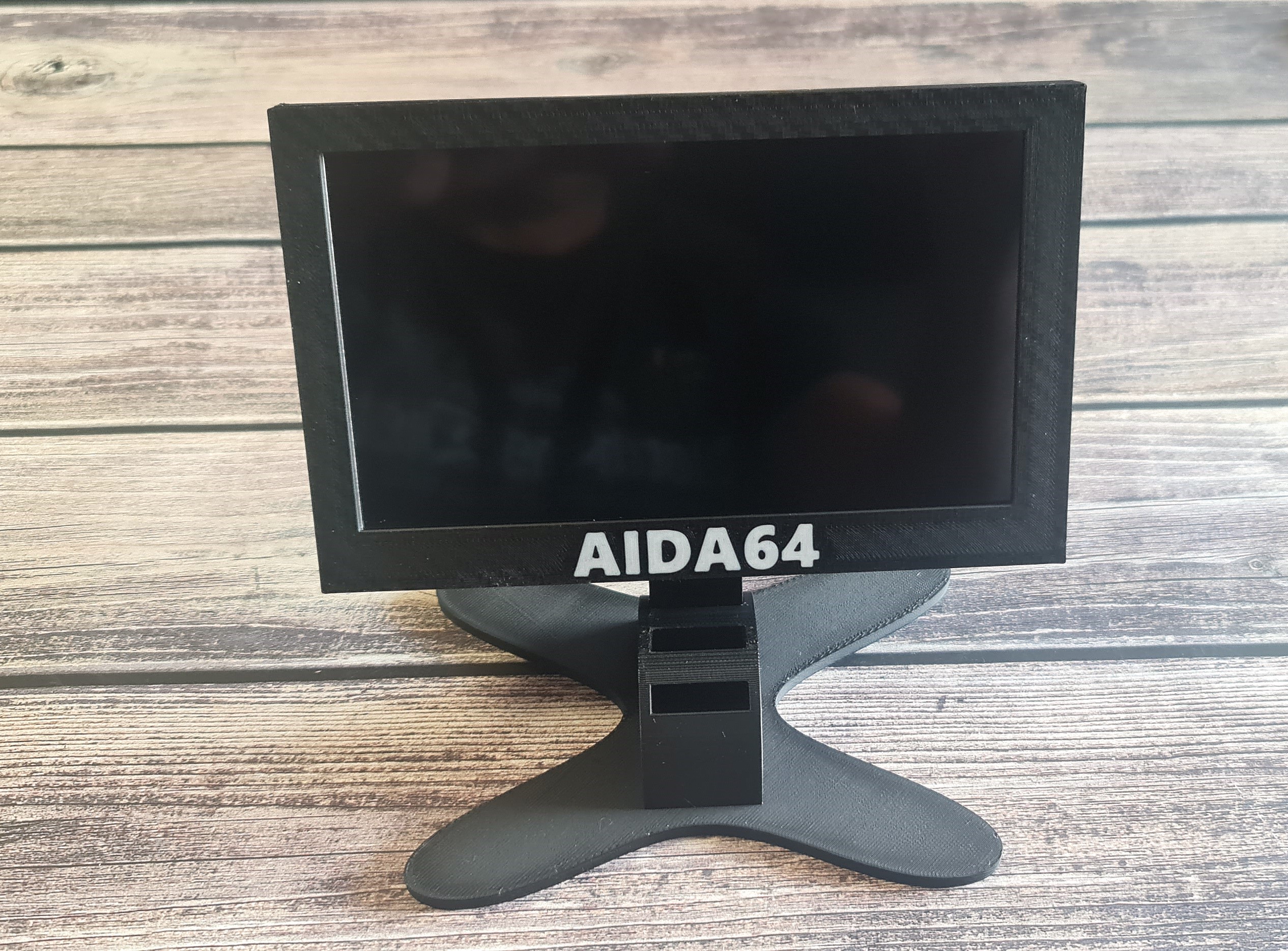
Package Contents:
- Case including stand for 7" display
- 6 pcs M3 screws, 12 mm in length
- 6 pcs M3 nuts (4 embedded in the front part of the display case)
- 4 pcs self-tapping screws, approximately m2 x 5 mm
Assembly Instructions:
- Insert 4 M3 nuts into the front part of the display case during printing, where a pause is set in my printing profile for nut insertion.
- Attach the display to the case using 4 M3 screws and nuts.
- Attach the stand to the back of the display case using two screws.
- Secure the motherboard using self-tapping screws, approximately m2 x 5 mm.
- Finally, place everything on the stand with the necessary tilt.