
Exit Filament (Full Filament extraction)
We calculate the final price from your selected file. You review and accept it before payment.
Saved on this device.
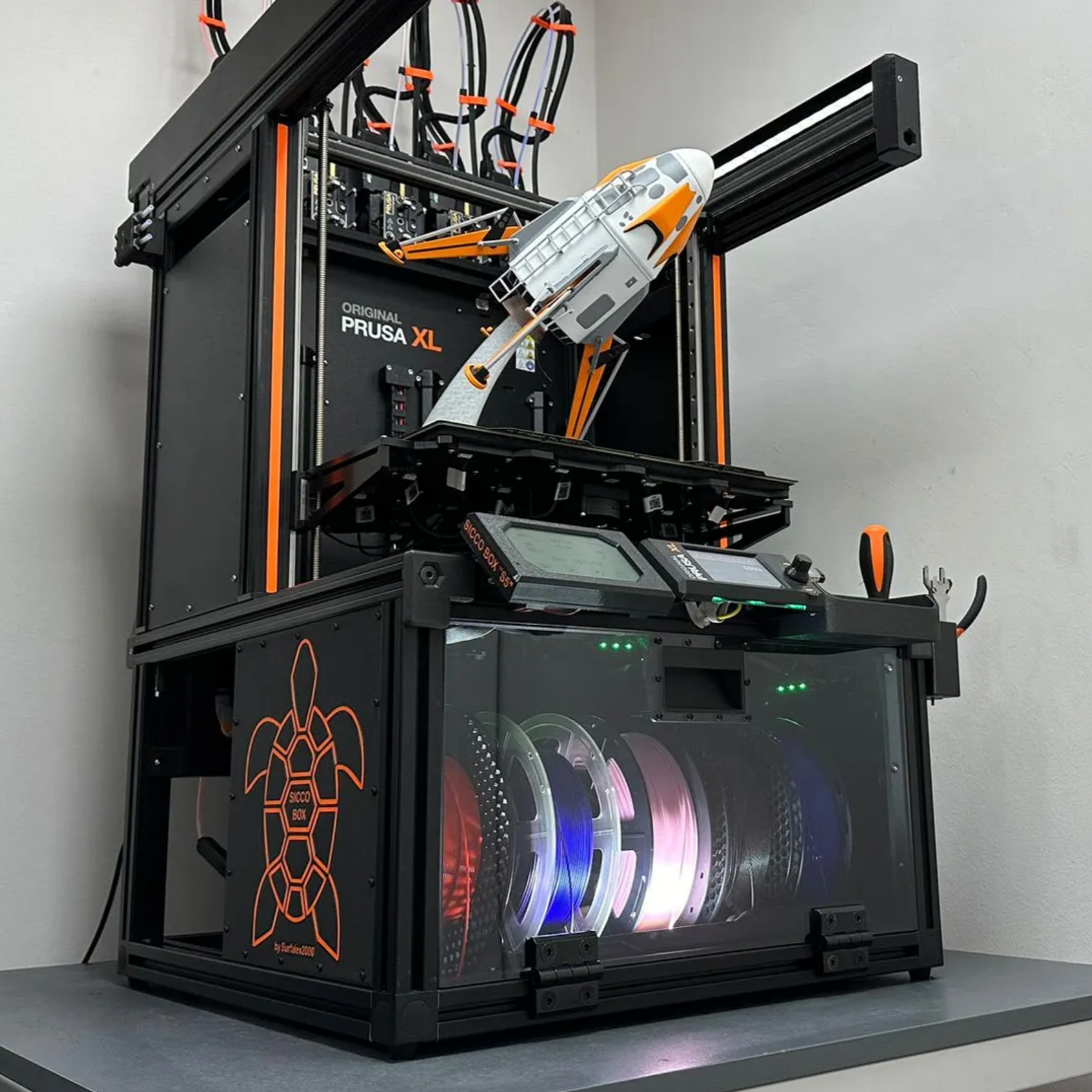
Since i often use Octoprint, i don´t want to allways be at the Printer to Extract the Filament.
- Rating
- 0 / 5
- Likes
- 9
- Downloads
- 41
- Makes
- 0
- Views
- 946
- Reviews
- 0
Updated at source:
Model information
- Source
- Printables
- Category
- Other Printer Parts & Upgrades
- License
- Creative Commons — Attribution — Share Alike
Since i often use Octoprint, i don´t want to allways be at the Printer to Extract the Filament via the Printer Menue. Additionally, it seems like since i change my hotend to a different one, the autoextrude doesnt extract the Filament to the full length. This way i extract the Filament Remotely via octoprint.In the first step the Printer extrude 5mm Filament, and then retract the Full 65mm. Additionally, it doesn´t need to heat the Bed, so this saves Energy.
Have in mind, that this G-code has been made for Prusa printers, but could work on others.