
Cosplay Calipers
We calculate the final price from your selected file. You review and accept it before payment.
Saved on this device.
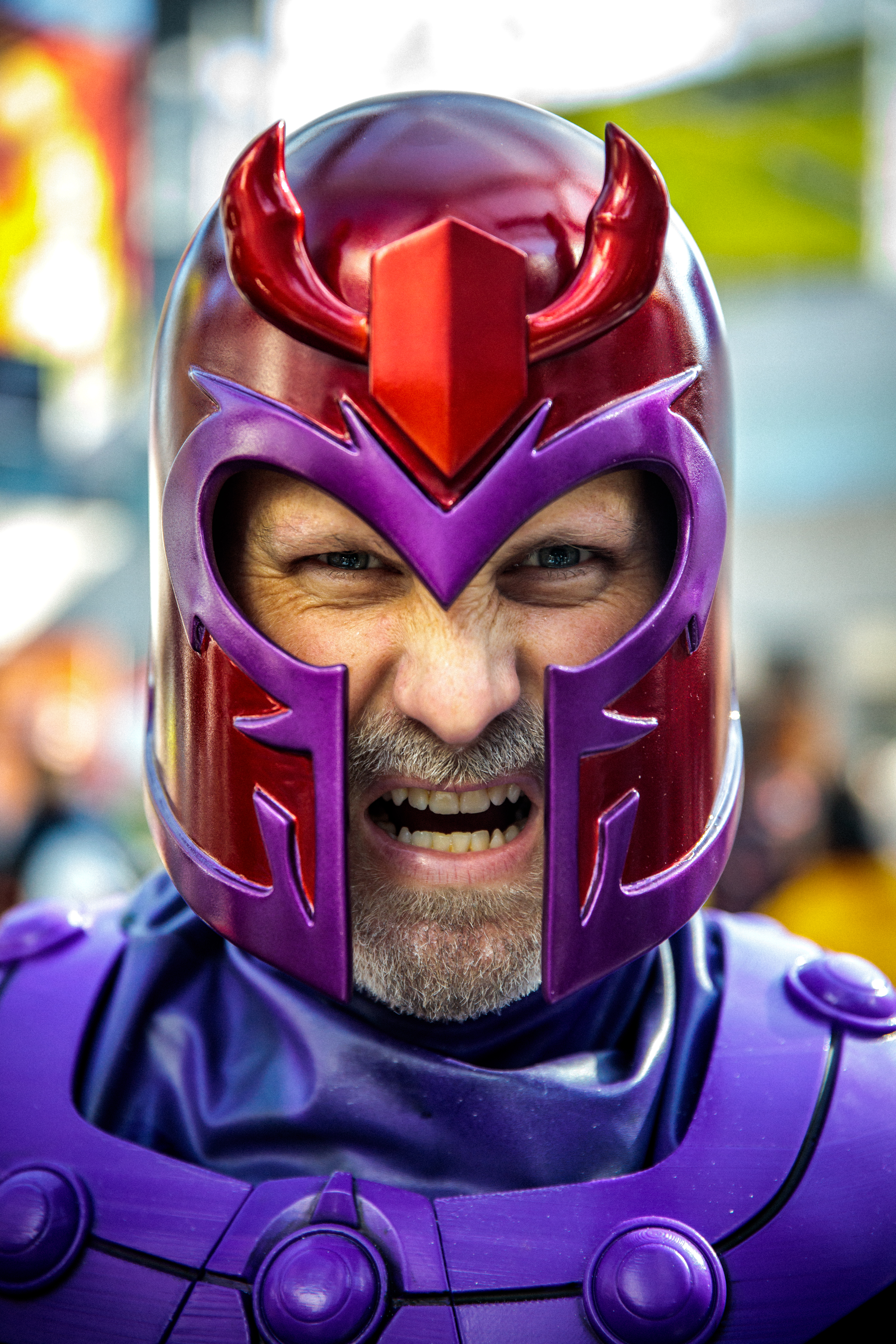
Here is my Cosplay Caliper tool to help you scale your 3D files UPDATED with .3mf File for Bambu Lab 3D Printers
- Rating
- 4.689 / 5
- Likes
- 2,012
- Downloads
- 17,418
- Makes
- 120
- Views
- 46,216
- Reviews
- 106
Updated at source:
Model information
- Source
- Printables
- Category
- Cosplay & Costumes in general
- License
- Creative Commons — Attribution — Share Alike
Here is my Cosplay Caliper tool I designed after seeing Nikko Industries awesome video explaining how he made his with foam. I figured I'd take that same concept and make it 3D Printable.
I've also shared the Tinkercad file. Feel free to modify it further and share your tweaks!
Here is a video explaining the process
*UPDATE - I added a .3mf file for Bambu Lab Printers - Quick 1 hr print on the X1 or the P1P
This thing was made with Tinkercad. Edit it online https://www.tinkercad.com/things/h387ngVeYoE
Thanks for watching!
Uncle Jessy
Print instructions
Unassociated tags: how to measure, Nikko Industries
Category: Hand Tools Print Settings
Printer Brand: Creality
Printer: CR-10
Rafts: No
Supports: No
Resolution: .2 mm
Infill: 10-20%
Notes:
This was designed to be printed on a 300x300 build volume printer, however, it can be scaled to any print bed size.
After printing snap the parts together and then take your measurements.
How I Designed This
Workflow
I initially designed the outline in Adobe Illustrator > Exported to SVG > Edited in Fusion 360 > Exported to STL > opened the file in Tinkercad and further modified the file for printing.