
openGrid Snaps for POLYmount and PolyDryer
We calculate the final price from your selected file. You review and accept it before payment.
Saved on this device.

Mount your POLYmount to openGrid boards with these directional snaps. Simple install and added workspace flexibility😎.
- Rating
- 0 / 5
- Likes
- 25
- Downloads
- 3,598
- Makes
- 0
- Views
- 6,066
- Reviews
- 0
Updated at source:
Model information
- Source
- Printables
- Category
- Accessories
- License
- Creative Commons — Attribution
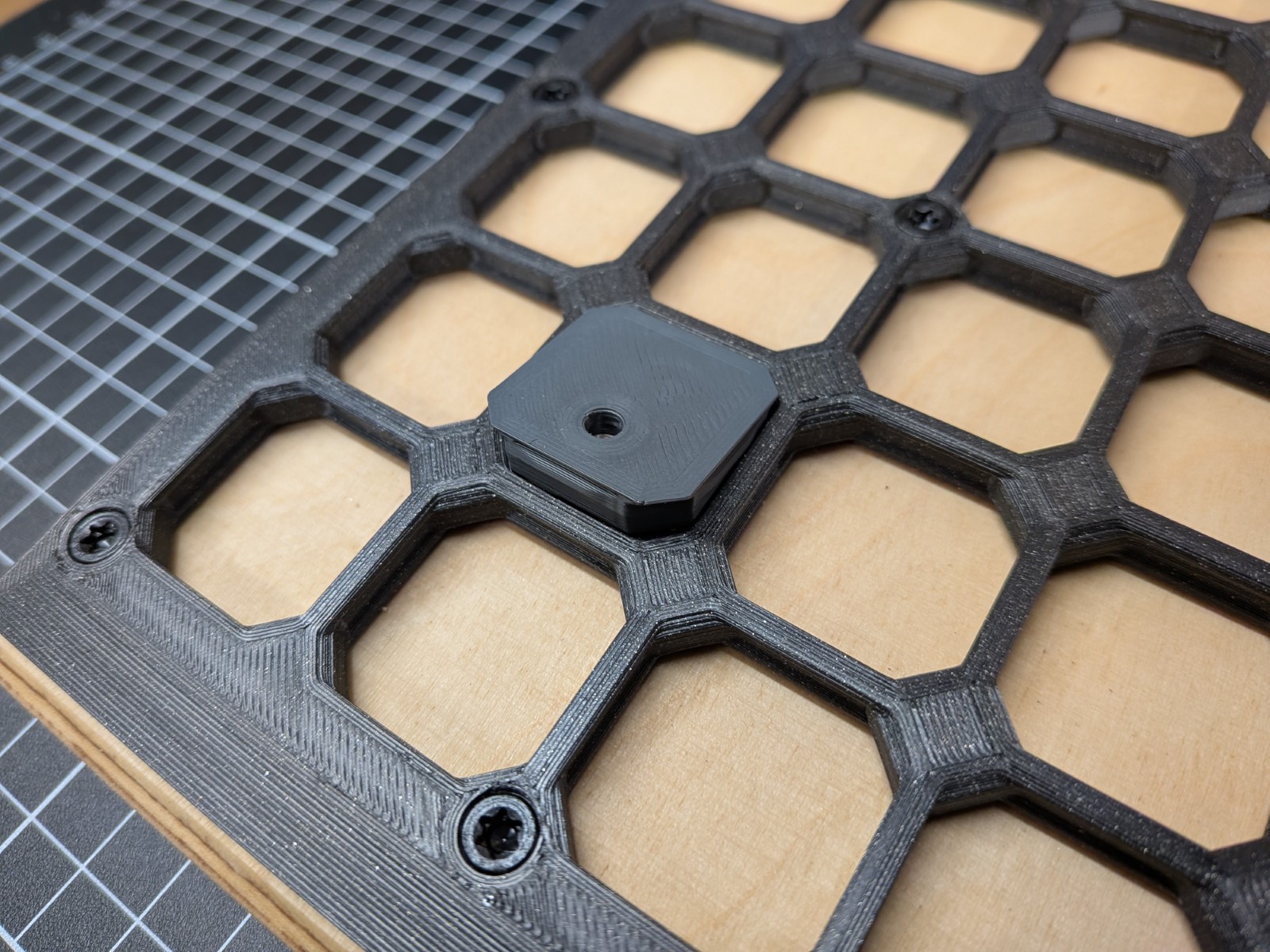
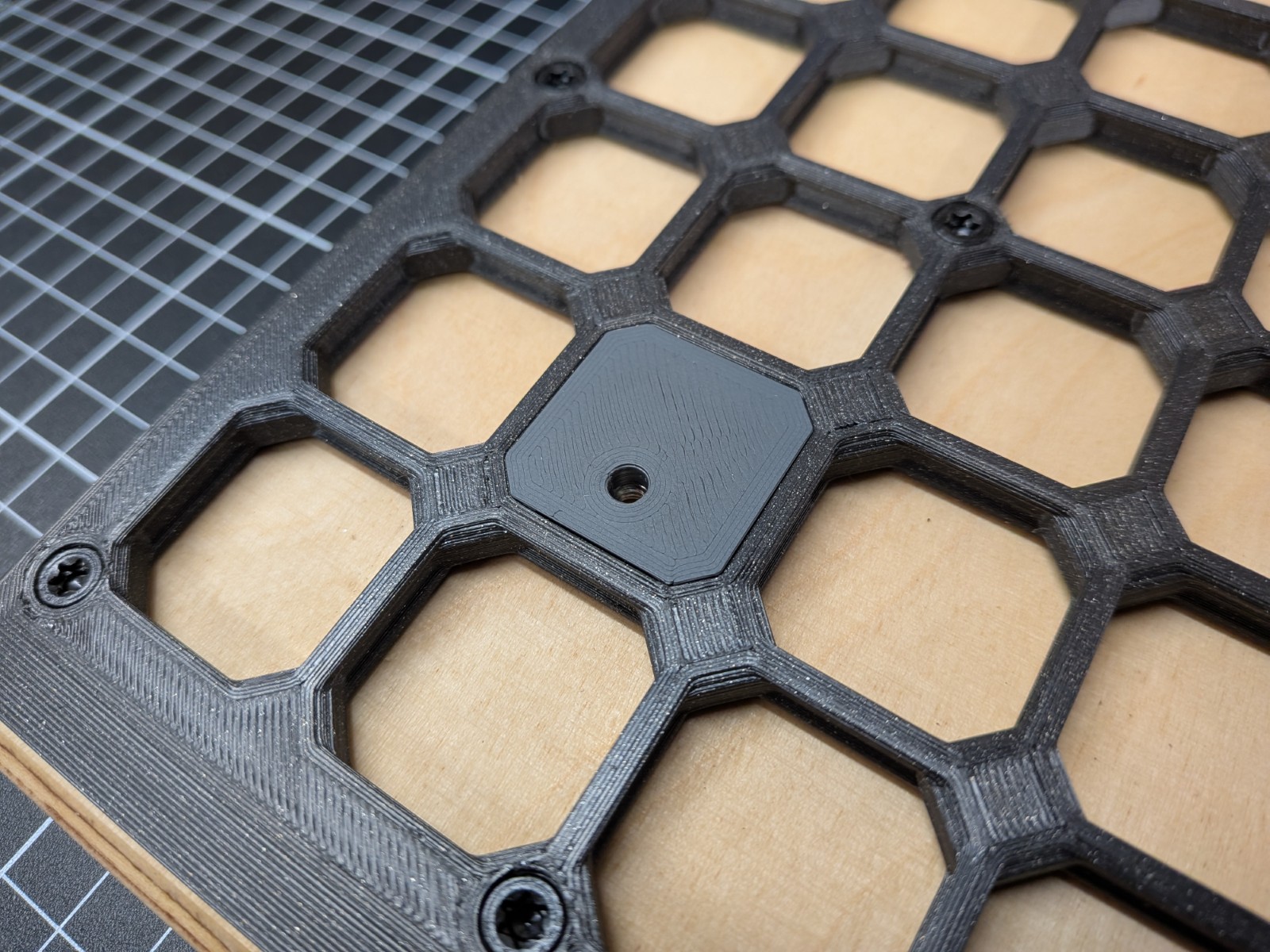
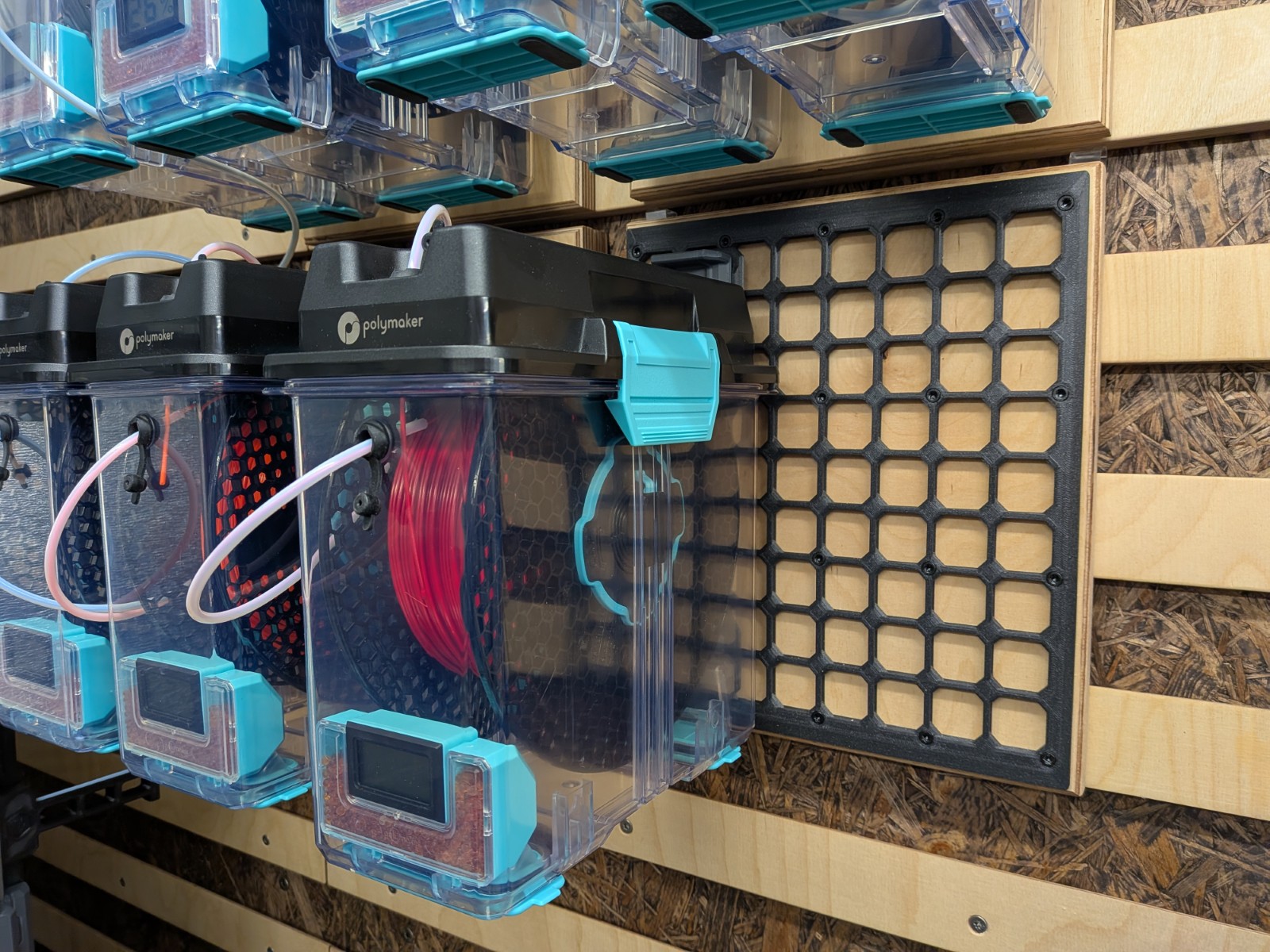
Mount your lovely 🥰 POLYmount (or the original PolyDryer wall mount) directly to the 🤩 openGrid wall organization system with these handy directional snaps!
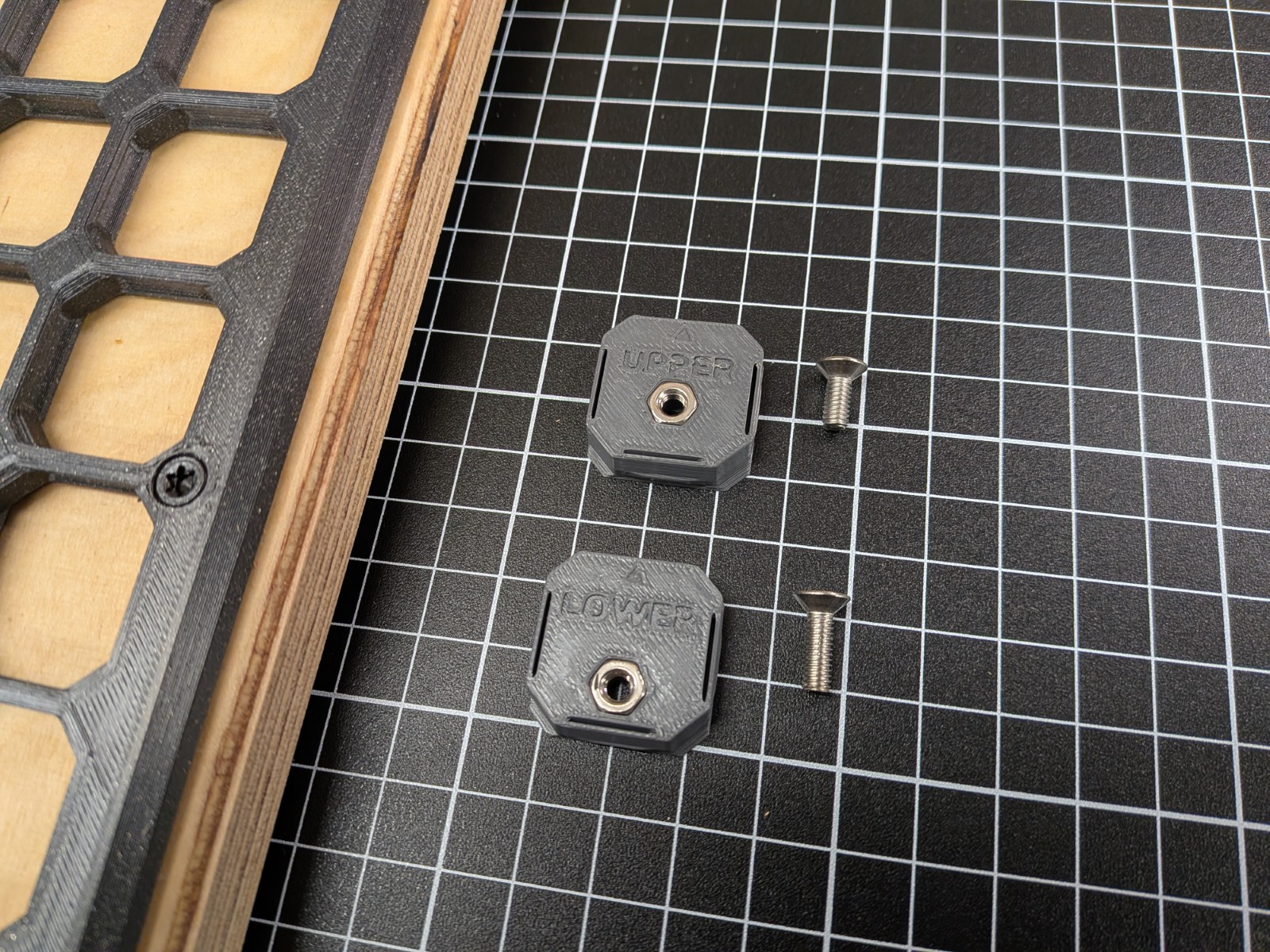
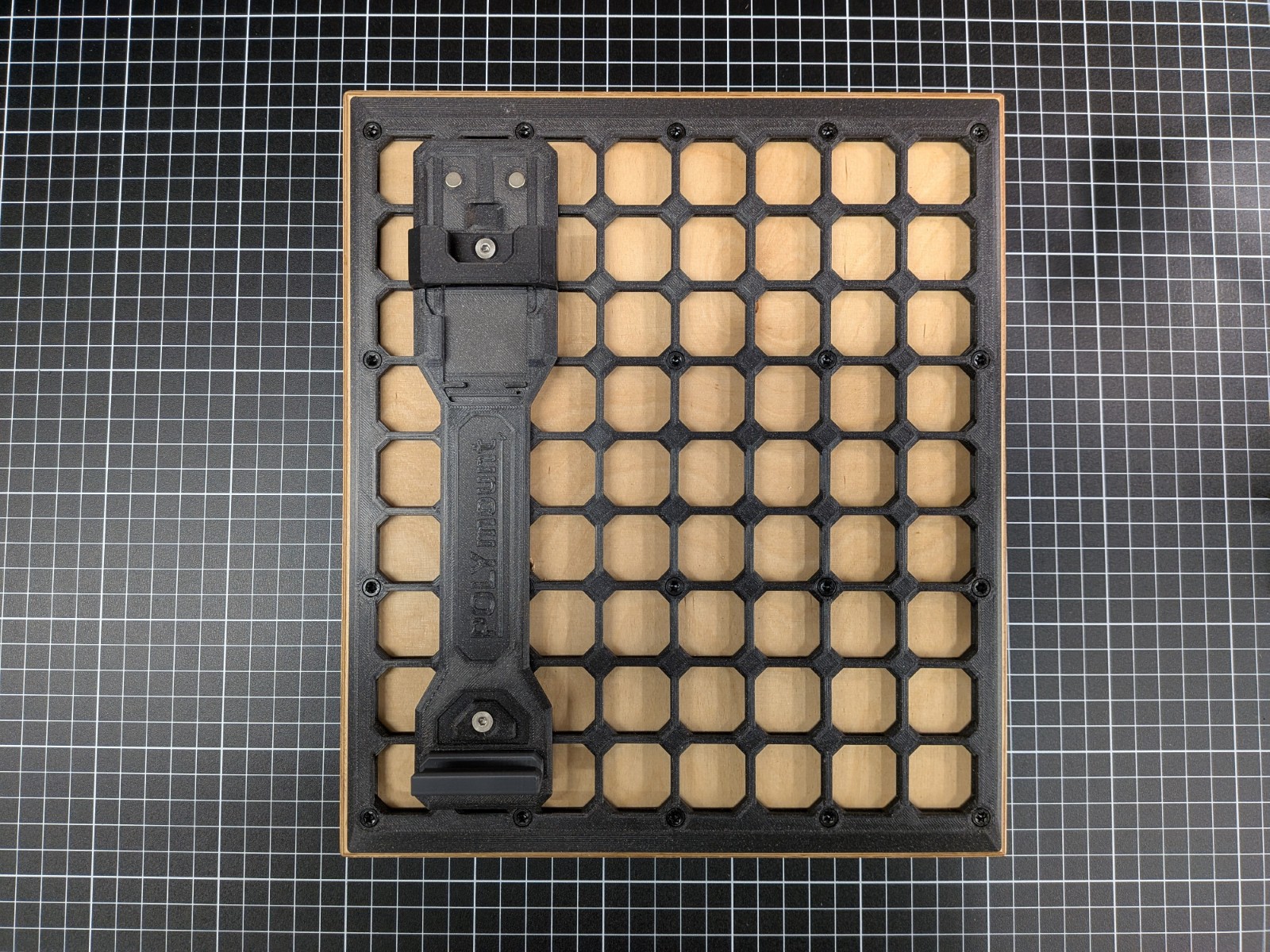
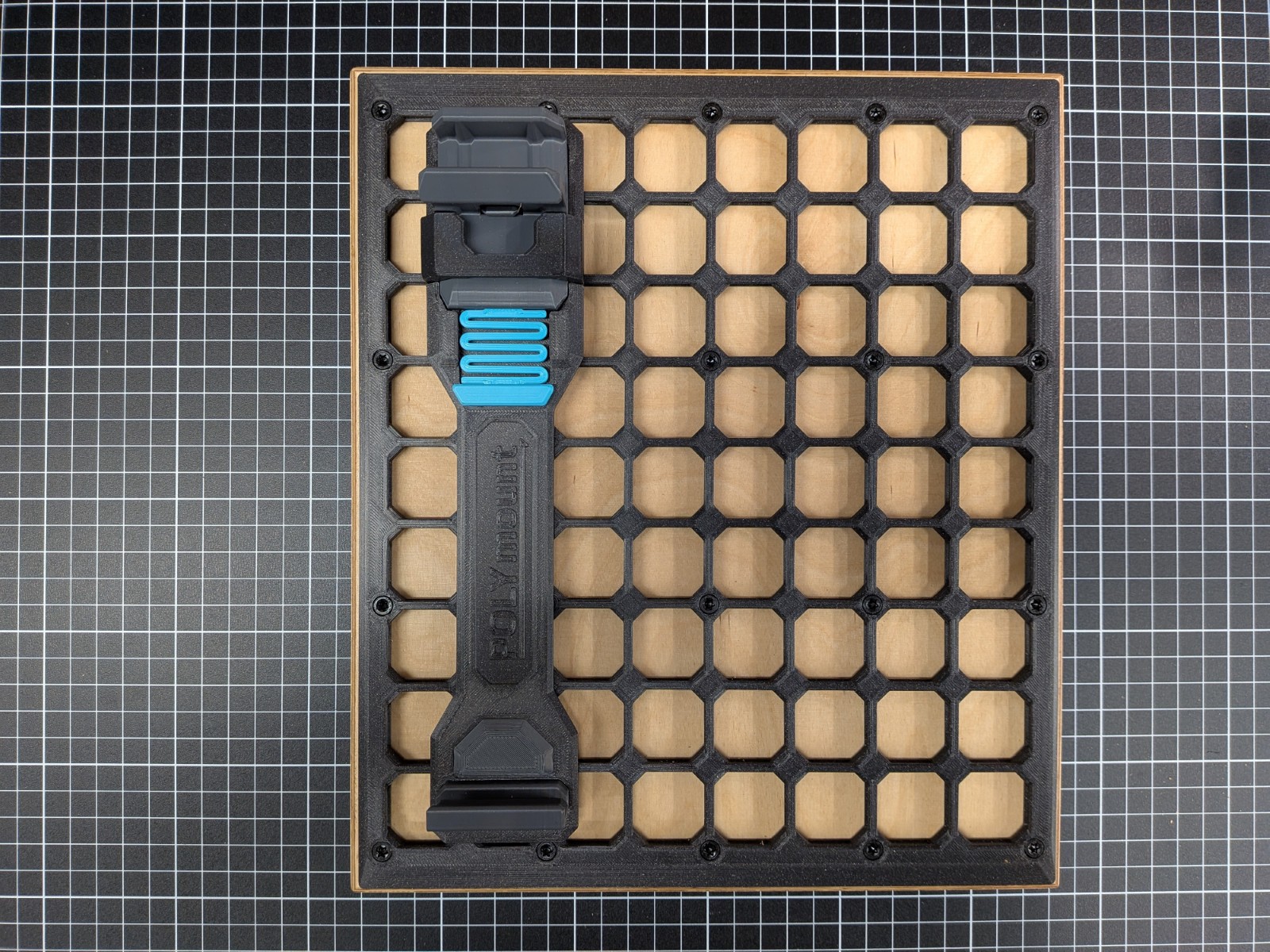
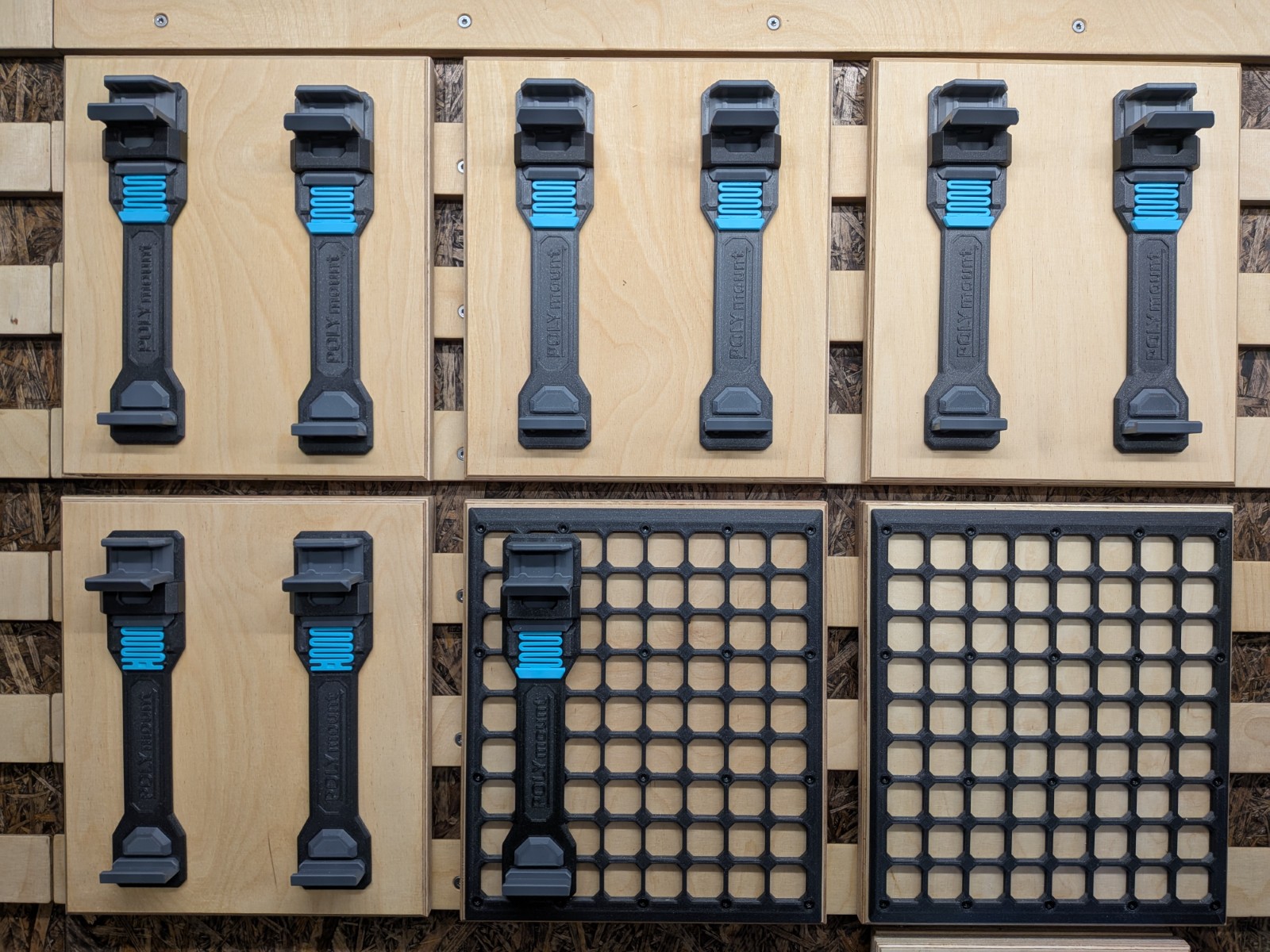
Two snaps attach to the upper and lower mounting points, perfectly centering your fancy POLYmount on the openGrid 📐 and allowing easy repositioning as your workspace needs change:
Simply place the two snaps into your openGrid (check for the correct orientation of these directional snaps)
... and then mount the POLYmount 🤩
The design ensures a secure hold and keeps the clean, modular look of openGrid😎.
Related Model:

Featuring an addictive snap-in mechanism! Check it out: The POLYmount 😎 |
Bonus Material:
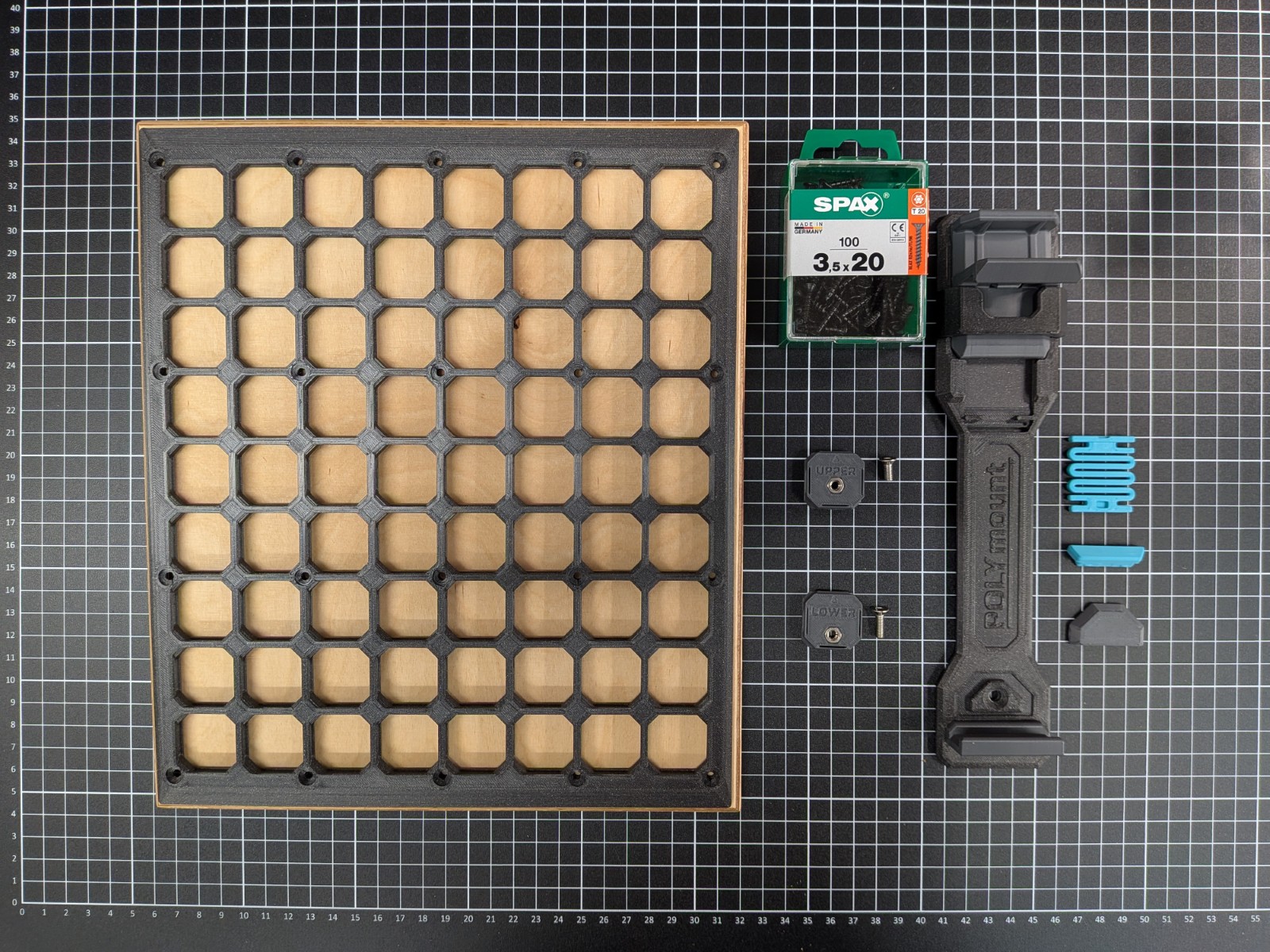
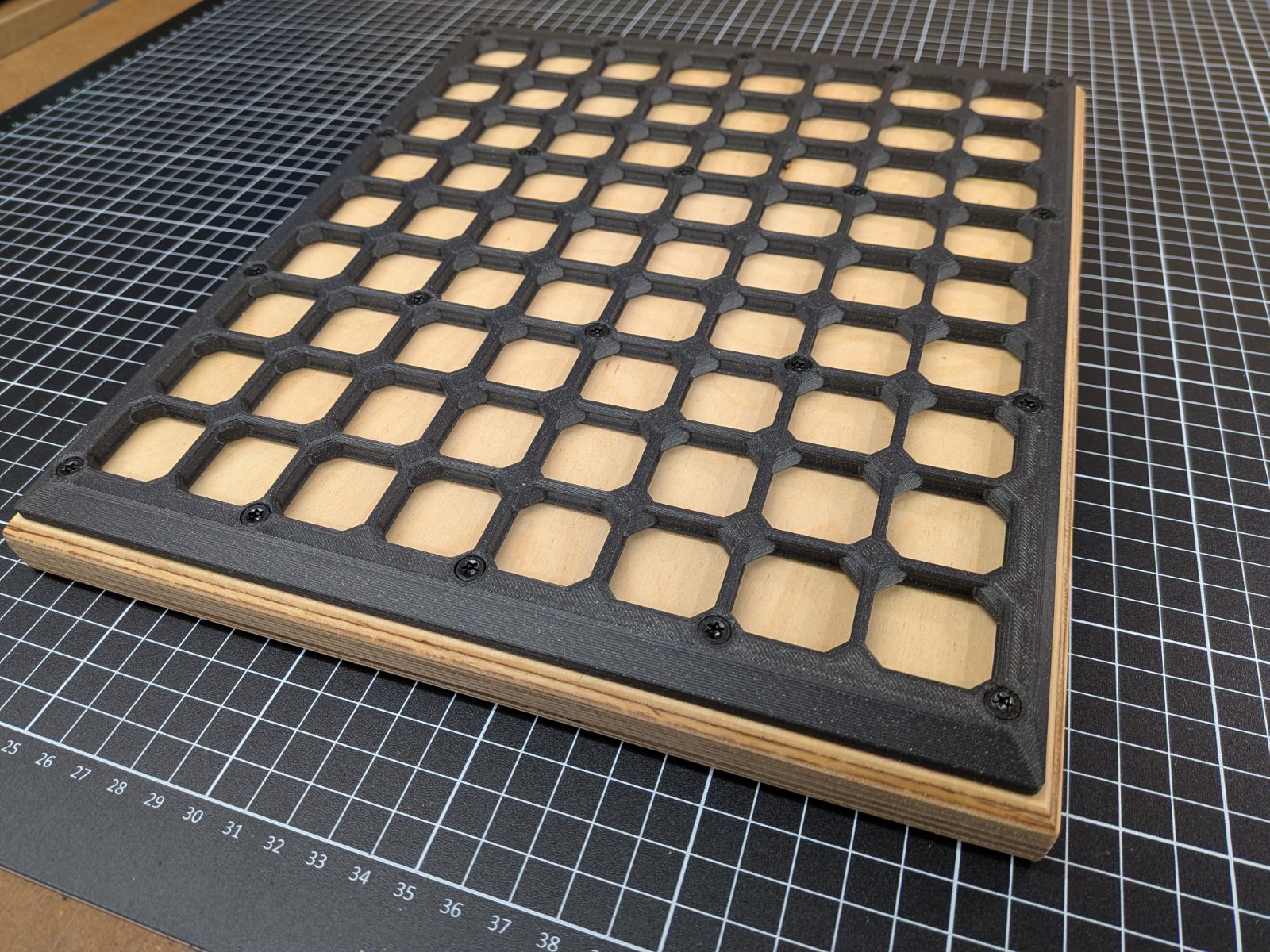
Of course you'll find my custom 9x8 openGrid board from the photos with all the CAD resources included in the files section:
... with stylish smooth edges for standalone usage
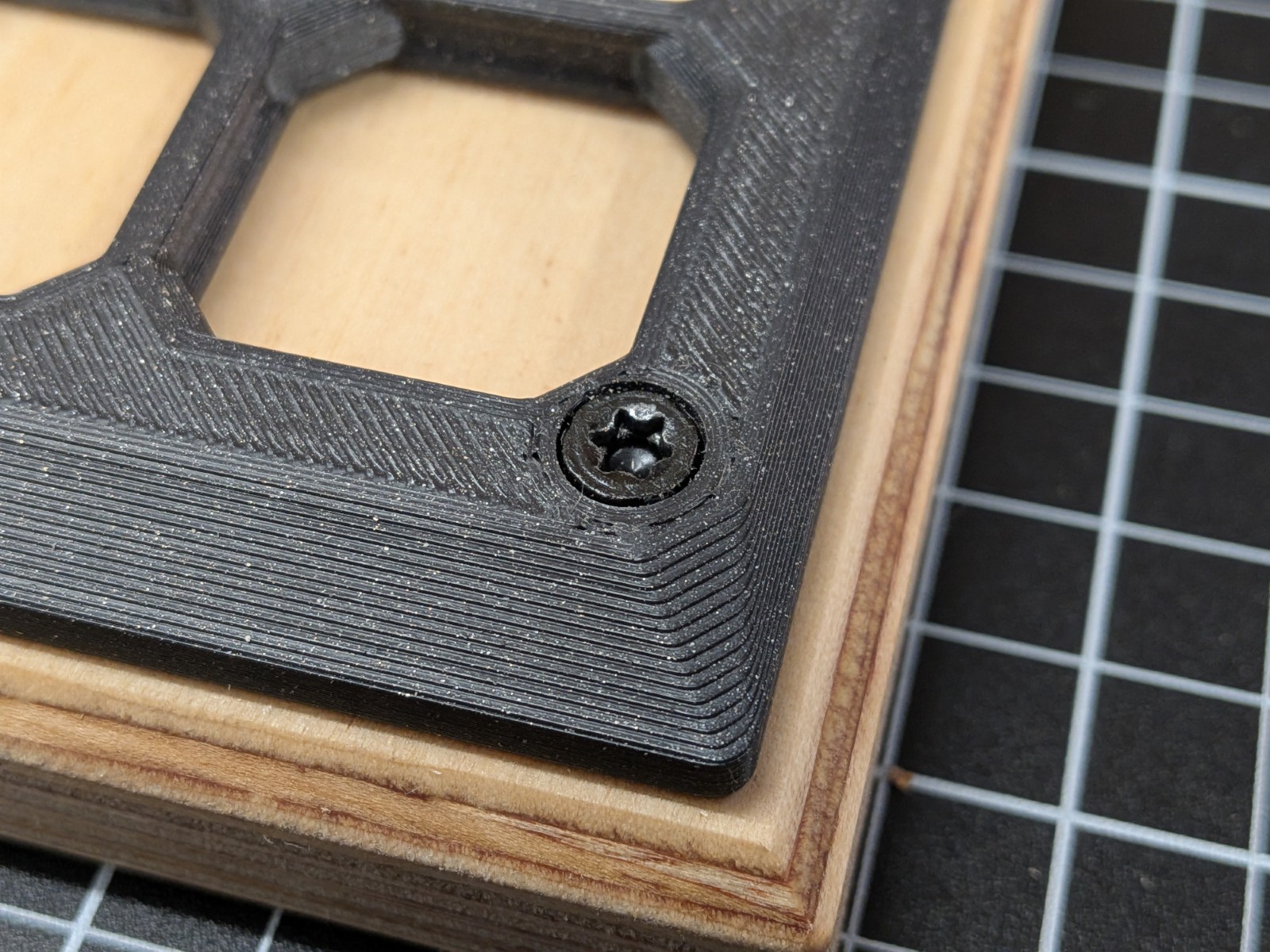
... and integrated mounting points optimized for 3.5mm Spax T-Star Plus screws
Take the CAD files and adopt it to the grid size you need!
Assembly and Photos
 |  |  |  |  |
|---|
 |  |  |  |  |
|---|
Printing Instructions
Recommended Settings:
Layer Height: 0.2mm
Wall Count: 4 perimeters
Top/Bottom Layers: 5
Infill: 40%
Support: None required
...and ensure your printer is well-calibrated especially for the snap-fit features.
Bill of Materials (BOM)
Hardware Required:
2x M4 nuts
1x M4x10 screw
1x M4x12 screw