
Movi M10 - Power and SDI Breakout
We calculate the final price from your selected file. You review and accept it before payment.
Saved on this device.
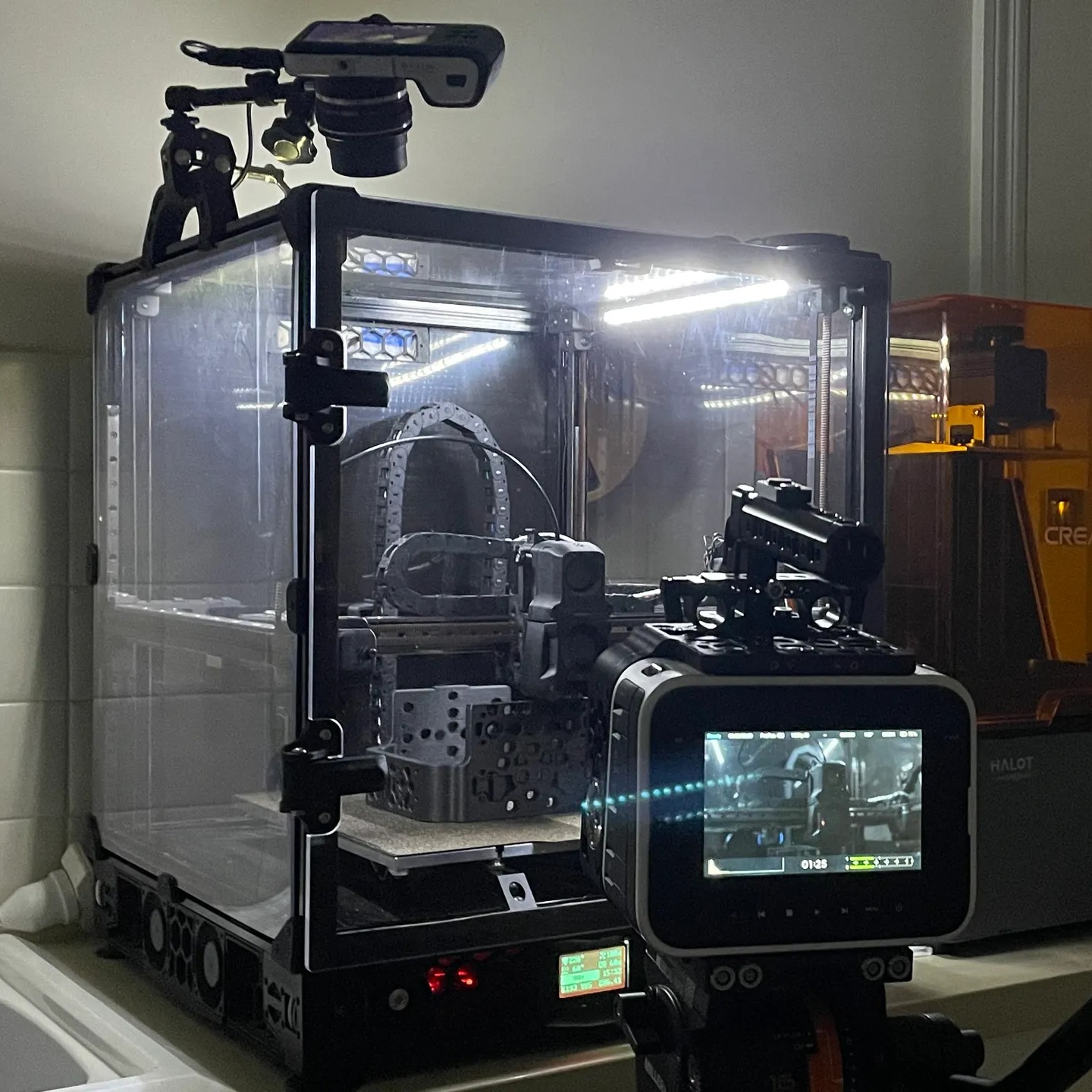
Model This is a power and SDI breakout for the Movi M10. It attaches to the rear of the camera plate of the Movi M10…
- Rating
- 0 / 5
- Likes
- 2
- Downloads
- 21
- Makes
- 0
- Views
- 341
- Reviews
- 0
Updated at source:
Model information
- Source
- Printables
- Category
- Photo & Video
- License
- Creative Commons — Attribution — Share Alike
Model
This is a power and SDI breakout for the Movi M10. It attaches to the rear of the camera plate of the Movi M10 using the double sided tape from the IMU.
Print Settings
I would recommend printing this with a quality filament and 4+ perimeters.
Parts needed
2X 0B 2 Pin Lemo Connectors
2X Panel mount SDI Connector (Male and Female)
1X SDI and power Cable
1X BNC Crimping tool
1X Cable Sleeving
1X Ziptie
Installation
(If you would actually like to install this I am happy to do it for you or make a video showing the exact process)
(1) After printing the breakout install the three connectors and solder them up accordingly, measure the correct length to have the power cable reach the power switch and the SDI cable reach the top of the Gimbal.
(2) Remove the lower carbon fibre plate of the IMU, replace this with the breakout
Disclaimer
This is currently a work in progress and will be updated soon.