Polymaker Refill Spool - Improved
We calculate the final price from your selected file. You review and accept it before payment.
Saved on this device.
Made a stronger connection by utilizing fasteners, compatible with OpenPrintTag and a labeling system.
- Rating
- 5 / 5
- Likes
- 21
- Downloads
- 106
- Makes
- 2
- Views
- 771
- Reviews
- 2
Updated at source:
Model information
- Source
- Printables
- Category
- Accessories
- License
- Creative Commons — Attribution — Noncommercial — Share Alike
I wanted to invest into the Polymaker refill system but with a stronger spool design as I found that the original spool sides fell apart pretty easily after just a little bit of use.
Improvements:
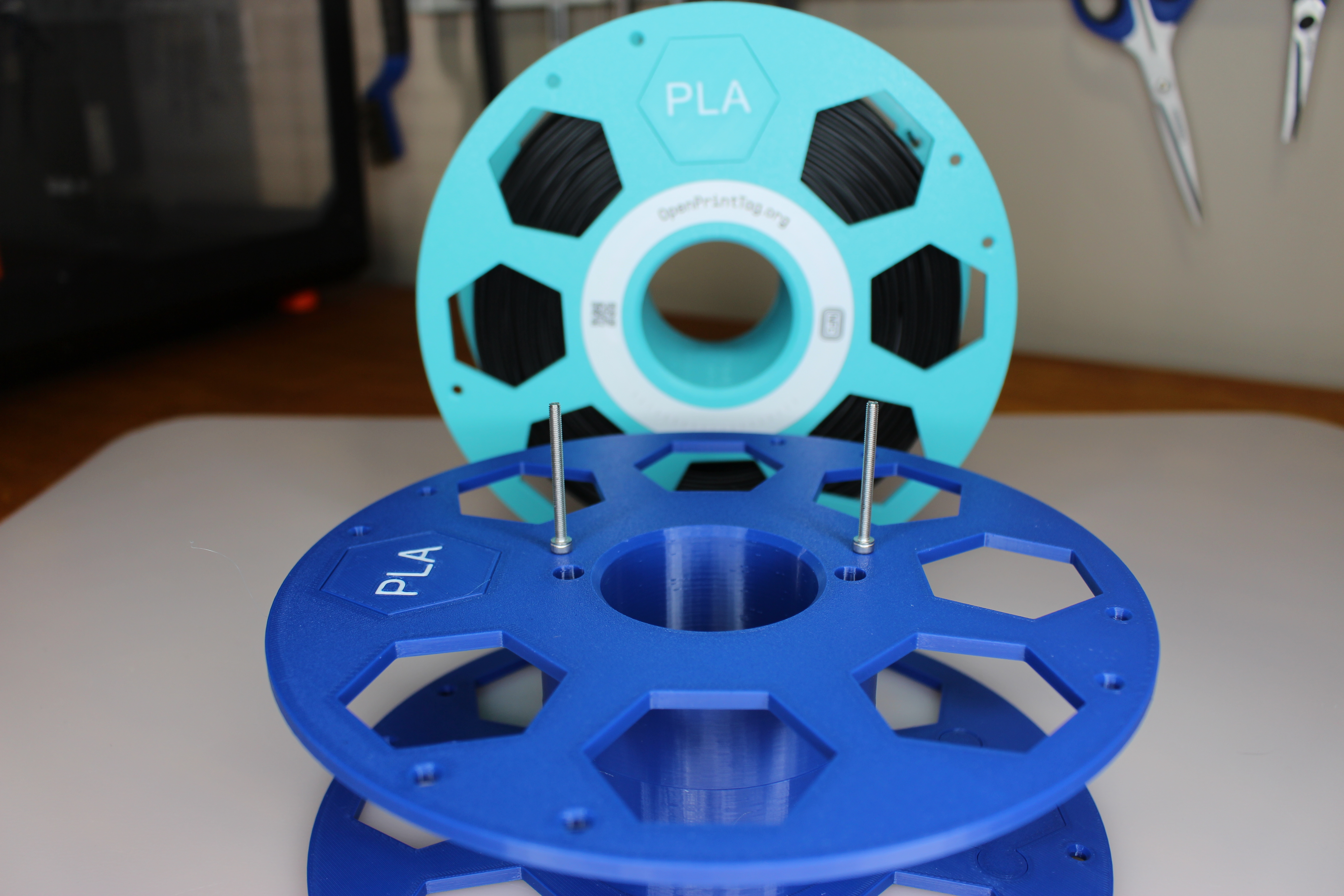
Spool sides connected with fasteners
M3 & M4 versions
Uses 30mm length
(Update: May 2026) Added Heat Insert options also!
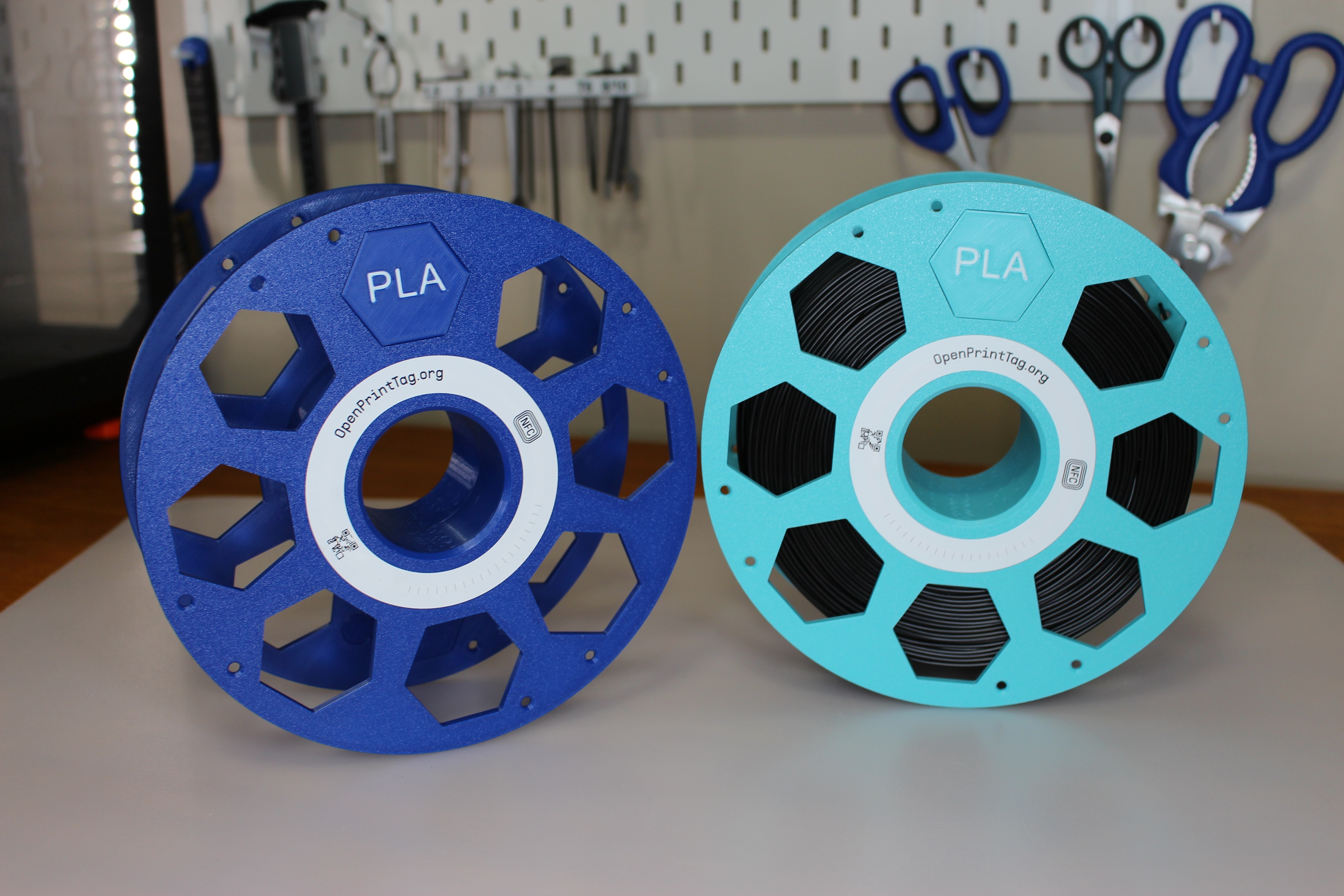
Incorporating OpenPrintTag into the spool design
Alignment jig included
Anticipating/hoping further expansion on their refill system, I included a labelling system
Currently Just PLA, will add more if they release more refill variants
Improved spacing. The original spool design had 62 mm of space between the spool sides for the filament refill. This had 1mm of excess space on each side of the spool. I reduced the space to 60mm in my design which seems to fit the refill spools better.
Reduced filament usage, faster printing
Total of ~175g for printing both spool sides using standard 0.2 profile. Original is 208g (with holes version). Print time is almost reduced in half because of the many small holes in the original version.
I also included a small hole for filament re-spooling if you would like to use this spool for that also!
Instructions
Aside from choosing M3 or M4 versions, you have the option to either embed the nut into the spool side, use the heat insert option or installing a hex nut after the print. I prefer the heat insert or embedded version for a cleaner look and easier install of the OpenPrintTag.
Embedding the nut into the spool side:
Using Standard 0.2 Layer profile, pause print at 24.80 (This will pause just before this layer starts), insert hex nuts and resume print.
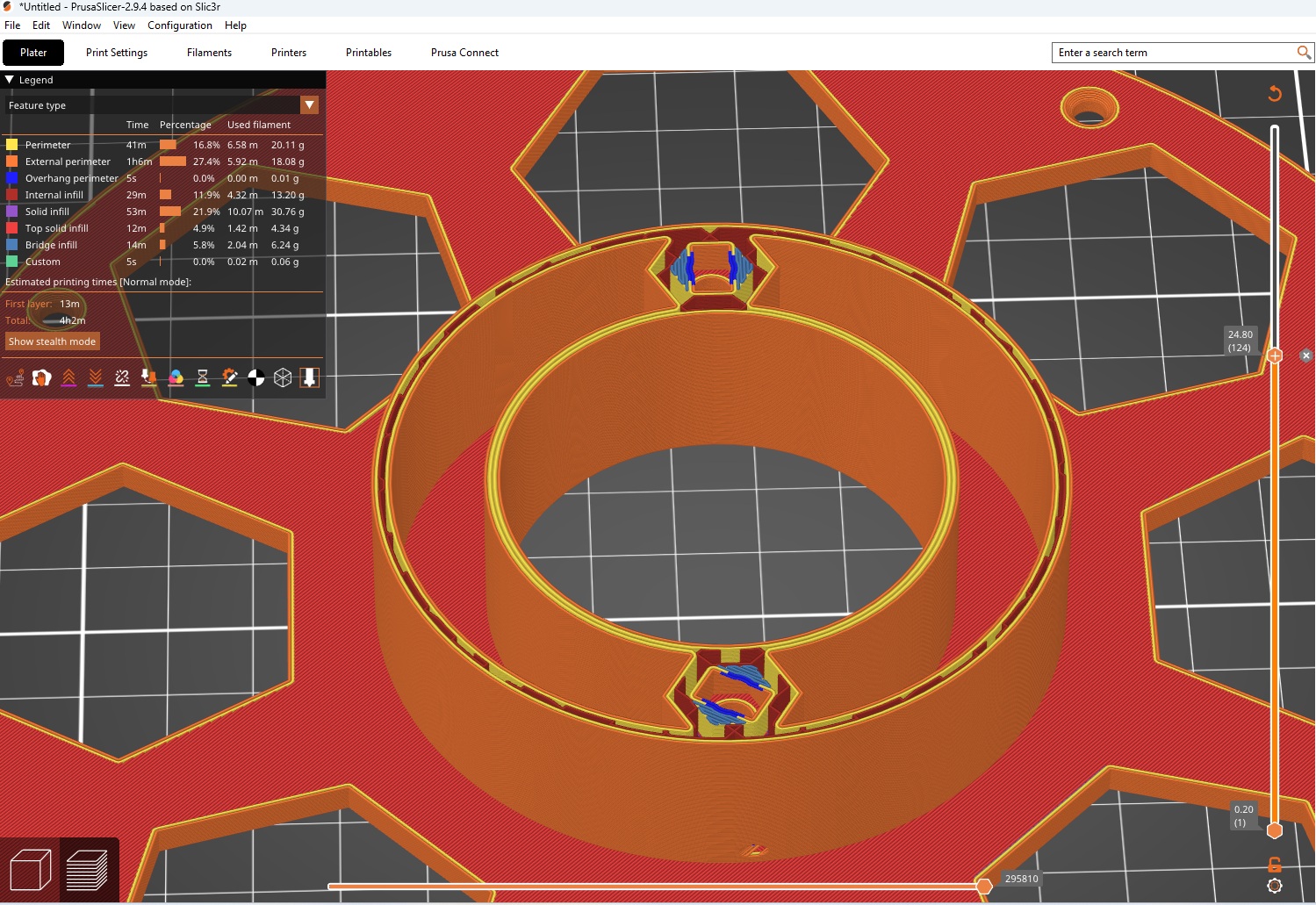
Before committing to a larger print where you insert the nut into the spool side, I also included a small test print using ~1g of filament to test the tolerances with your hardware. Print using the same filament you intend to use. I find using a bolt as a tool to insert into the print helps.
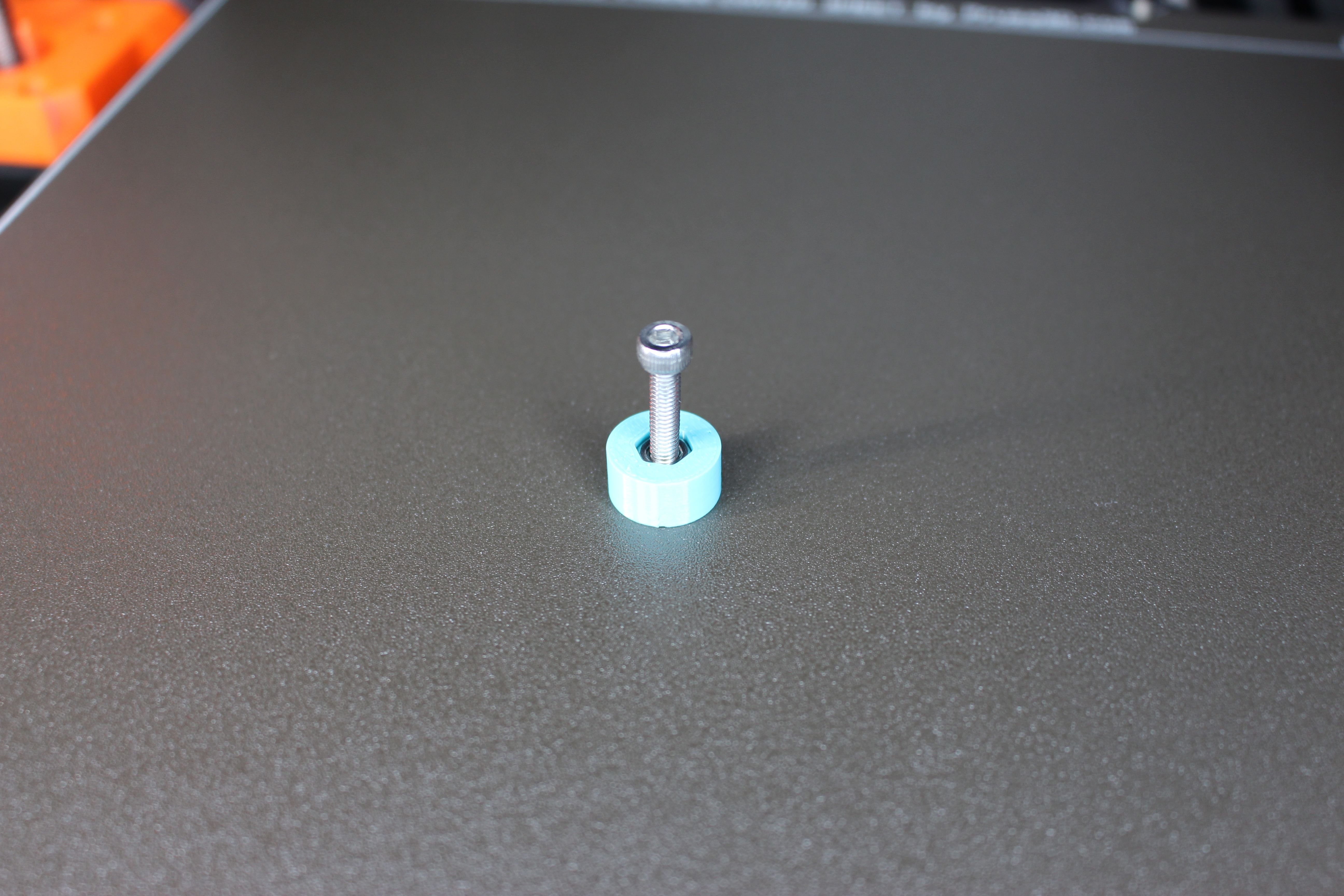
If you want the OpenPrintTag to be perfectly centered on your spool, print the alignment jig for an easy installation! Make sure you place the tag on the hex nut spool side so that you are able to remove the bolt to respool later on!
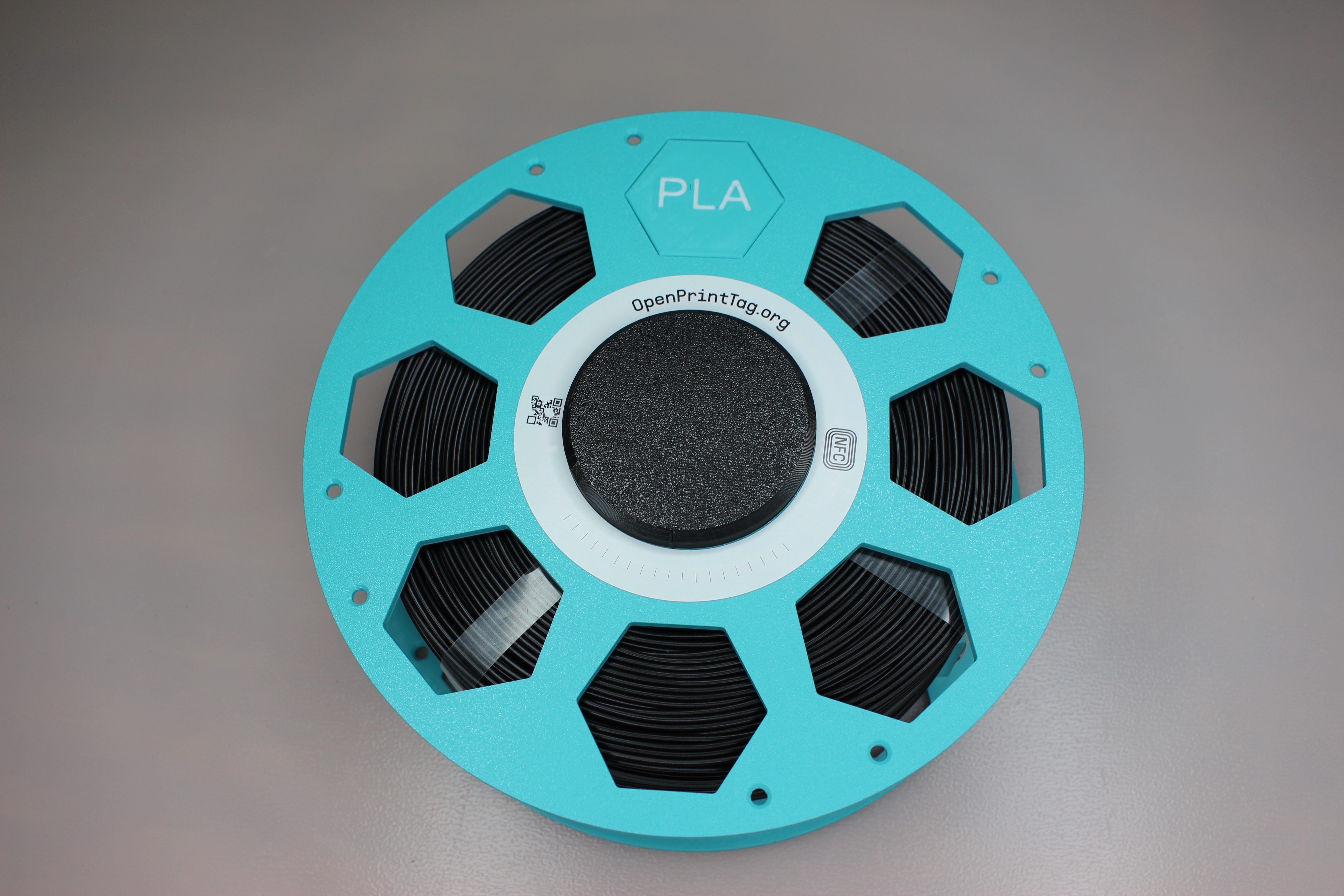
I have included some tabs on the label for easy application of glue, or just tape on. Just make sure the label is facing the correct orientation before gluing!
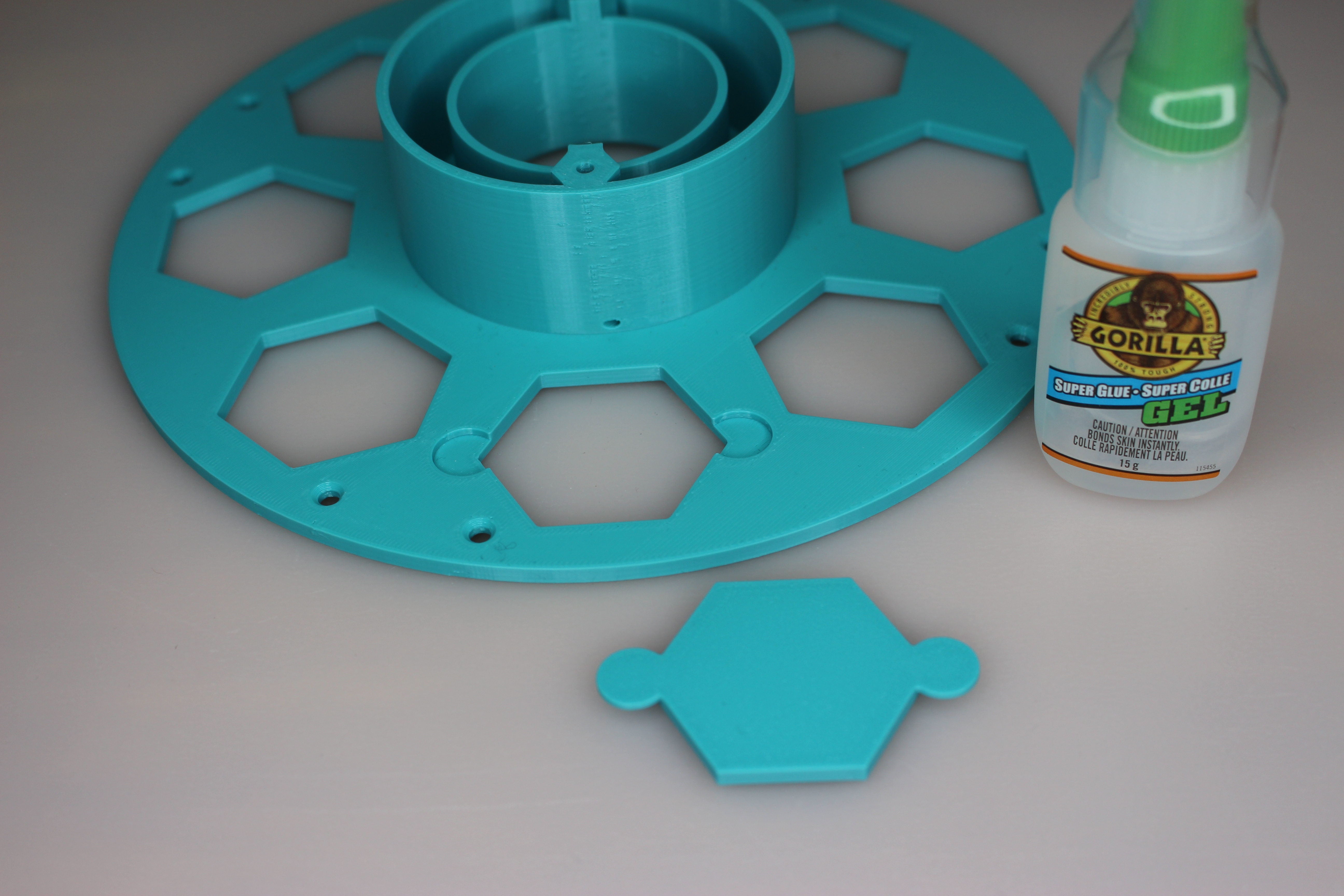
Now just connect both sides with 2 screws of 30 mm in length (M3 or M4), Happy Printing!