
1 / 5
ESP32 CAM Housing
Order a print of this model
We calculate the final price from your selected file. You review and accept it before payment.
Saved on this device.
Rigid and compact housing for ESP32 CAM module. Housing is connected to 3-Axis mount for easy calibration
- Rating
- 4.833 / 5
- Likes
- 124
- Downloads
- 397
- Makes
- 8
- Views
- 4,360
- Reviews
- 6
Updated at source:
Model information
- Source
- Printables
- Category
- Electronics
- License
- Creative Commons — Attribution — Noncommercial — Share Alike
Bill of materials:
- 4x M3X30 bolt
- 1x M3x12 Hex bolt
- 1x M3 nut
- 1x M6x35 Hex bolt
- 1x M6x16 Hex bolt
- 1x M6 nut
IMPORTANT!!!
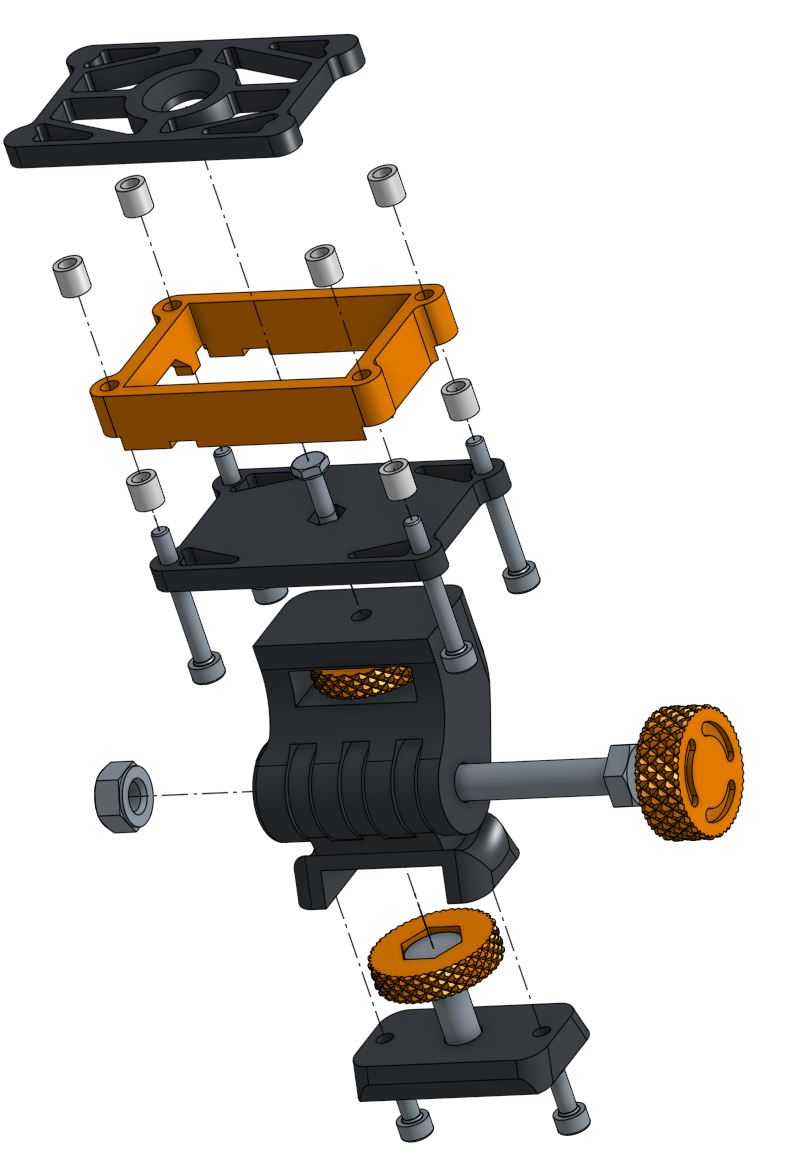
In order to connect ESP32 to the housing first split ESP32 cam module from its programmer board. Next place camera module on top of the middle part and programmer in the bottom. Then connect camera module and programmer together with middle part in between JUST LIKE SANDWICH
EXPLODED VIEW BEFORE ASSEMBLY
AFTER ASSEMBLY
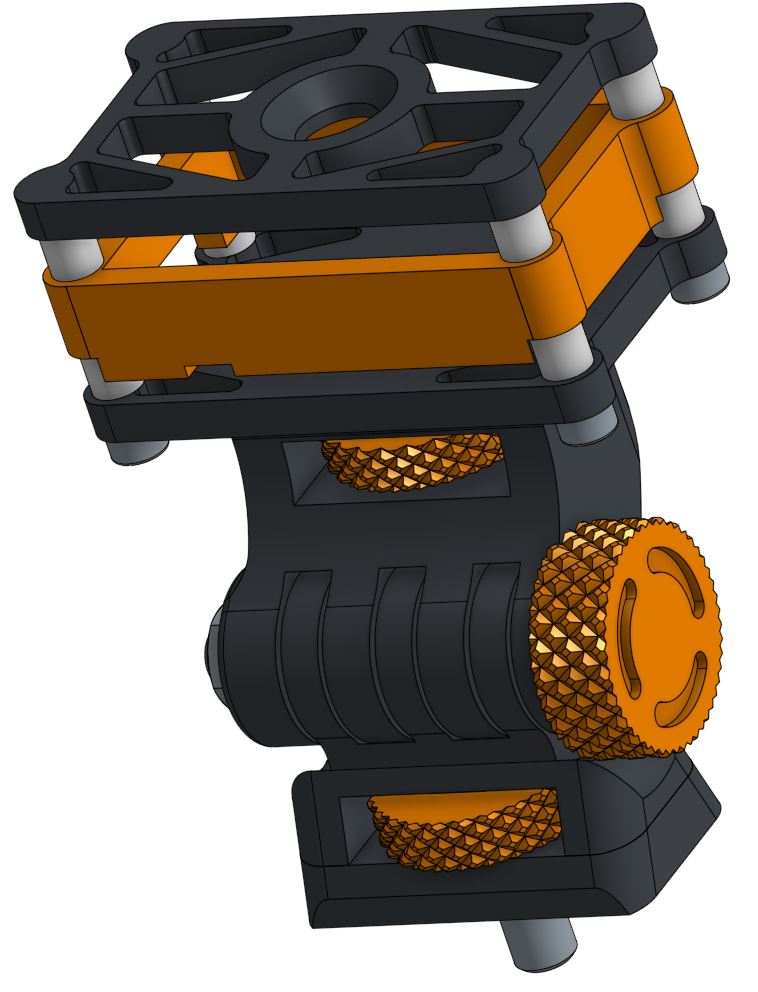
- In order to connect whole mount to aluminum extrusion, simply put T-nut on M6X16 bolt located in the bottom of "Axis mount2.1
- In order to connect whole module to wall or flat surface, use “wall mount”
- In order to connect whole module to pipe, use “pipe mount”