USB Media Dial
We calculate the final price from your selected file. You review and accept it before payment.
Saved on this device.

Turn up the volume! Build a custom USB HID media dial with STEMMA QT Rotary encoder and CircuitPython.
- Rating
- 5 / 5
- Likes
- 819
- Downloads
- 419
- Makes
- 5
- Views
- 15,511
- Reviews
- 5
Updated at source:
Model information
- Source
- Printables
- Category
- Computers
- License
- Creative Commons — Attribution — Share Alike
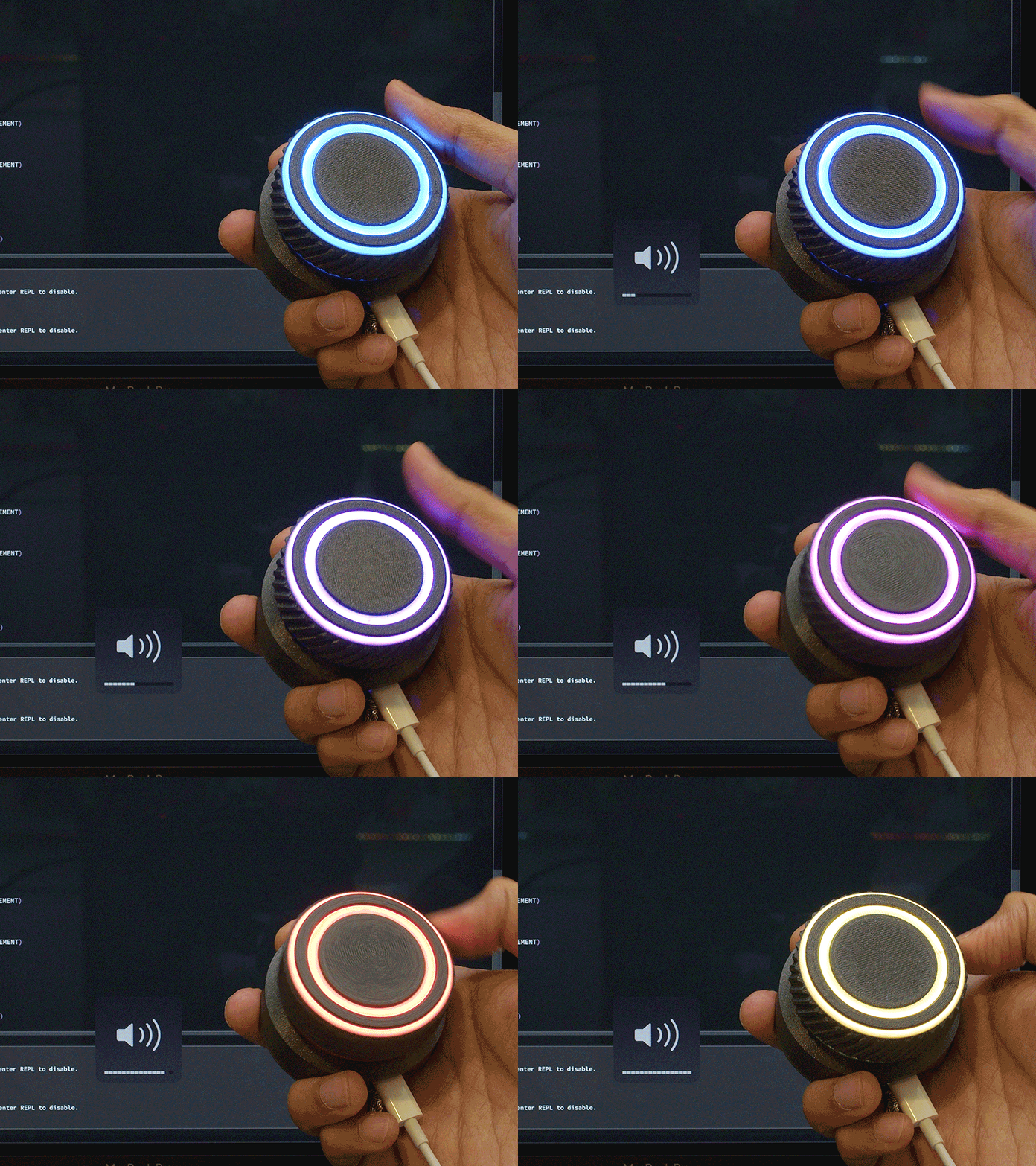
This is a USB HID device that is set up to play media and adjust the volume of your speakers. Underneath the knob is a NeoPixel strip that changes color whenever it’s turned up or down.
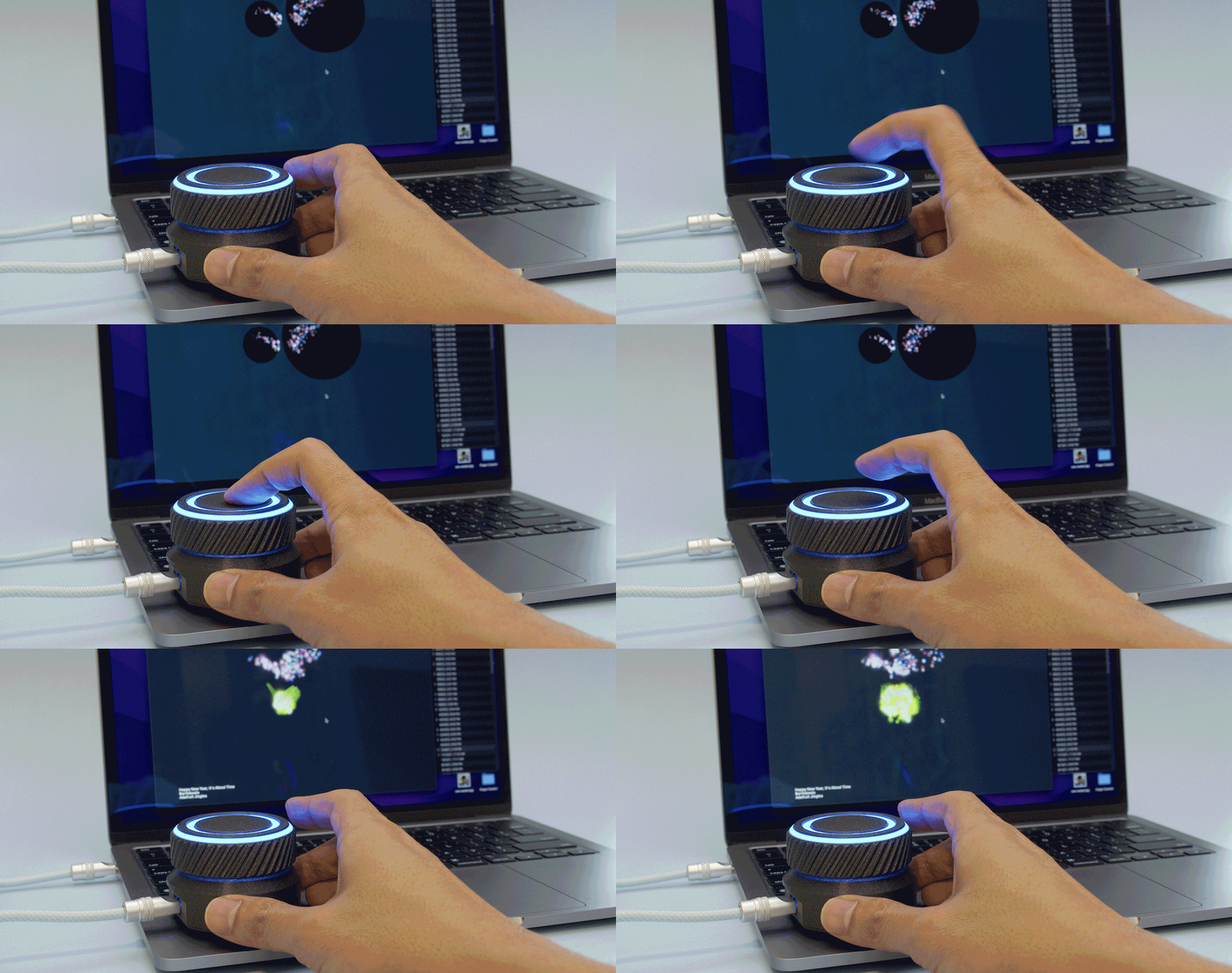
You can single-click to play and pause media, double-click to skip to the next track. If you long press, it’ll mute the speaker's volume.
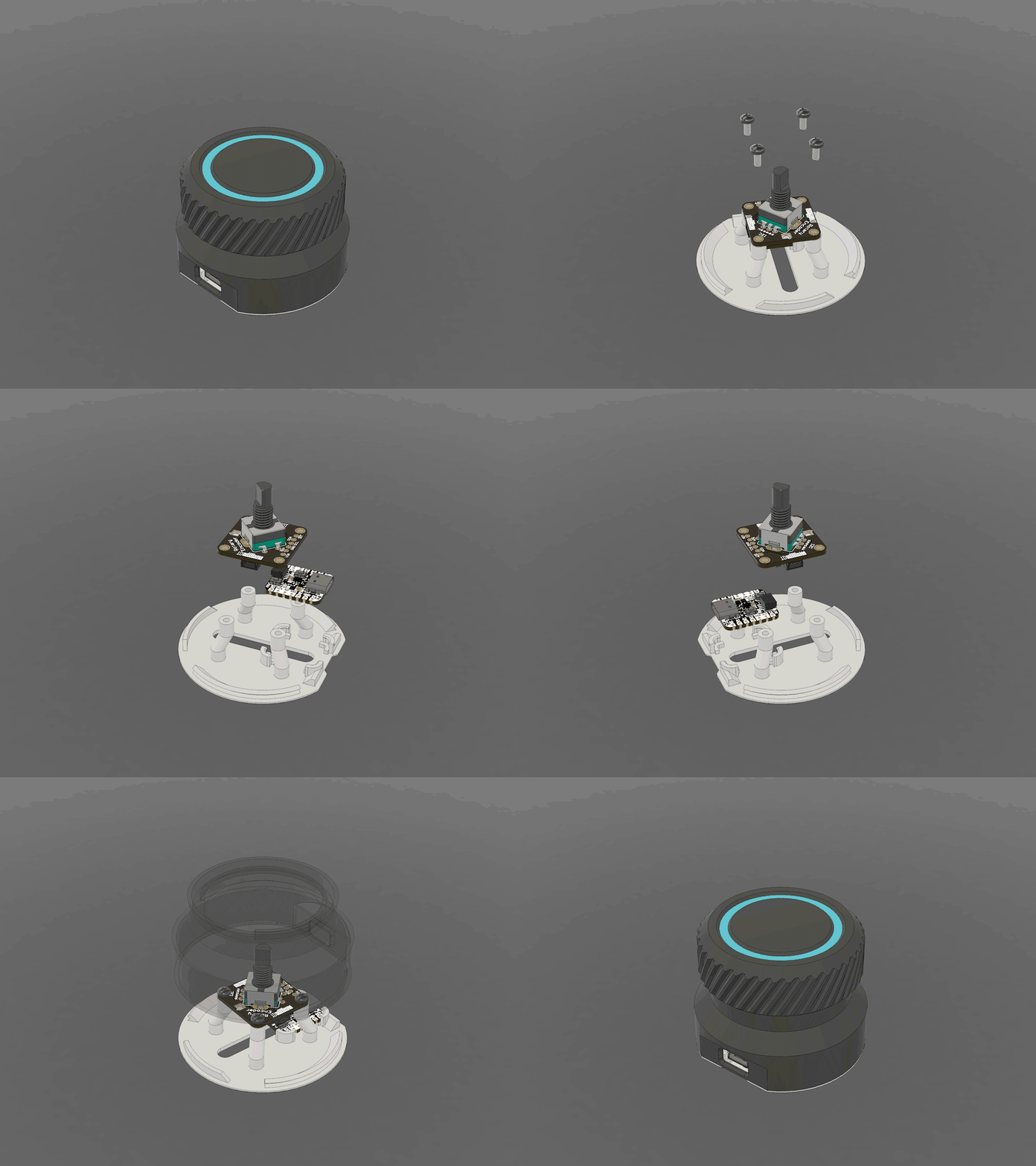
The electronics are housed in our 3D printed snap fit enclosure that features a new design. The knob features a built-in LED diffuser with textured knurling on the outer edge.
We used the filament swap technique to make a multi-material print so there’s no need for a multi-extruder. Just use white PLA filament to diffuse the LEDs.
Code, libraries and assembly instructions are documented in the project Learn Guide links below.
Learn Guide
https://learn.adafruit.com/usb-rotary-media-dial/
QT Py RP2040
https://www.adafruit.com/product/4900
STEMMA QT Rotary Encoder
https://www.adafruit.com/product/5880
NeoPixel Side Light Strip 120/m
https://www.adafruit.com/product/3634
STEMMA QT Cable
https://www.adafruit.com/product/4399