
Magnet Orientation Tool (30+ sizes - quick print!)
We calculate the final price from your selected file. You review and accept it before payment.
Saved on this device.

Every struggled with the orientation of magnets? Never again - print this tool to always know how to insert the magnets!
- Rating
- 4.818 / 5
- Likes
- 343
- Downloads
- 626
- Makes
- 25
- Views
- 4,220
- Reviews
- 22
Updated at source:
Model information
- Source
- Printables
- Category
- Tools
- License
- Creative Commons — Attribution — Noncommercial — NoDerivatives
| Welcome to GlennovitS3D. Join the Club on Printables.com to support creation of new models, get access to exclusive models, and get commercial rights, to sell prints. Join today - GlennovitS3D - or check out my model collection or my popular models |
If you have ever made a project that included magnets, you most likely have had the issue on how to orient them. But with this small super fast print, you will always know what is North and South once you have made 1 of these.
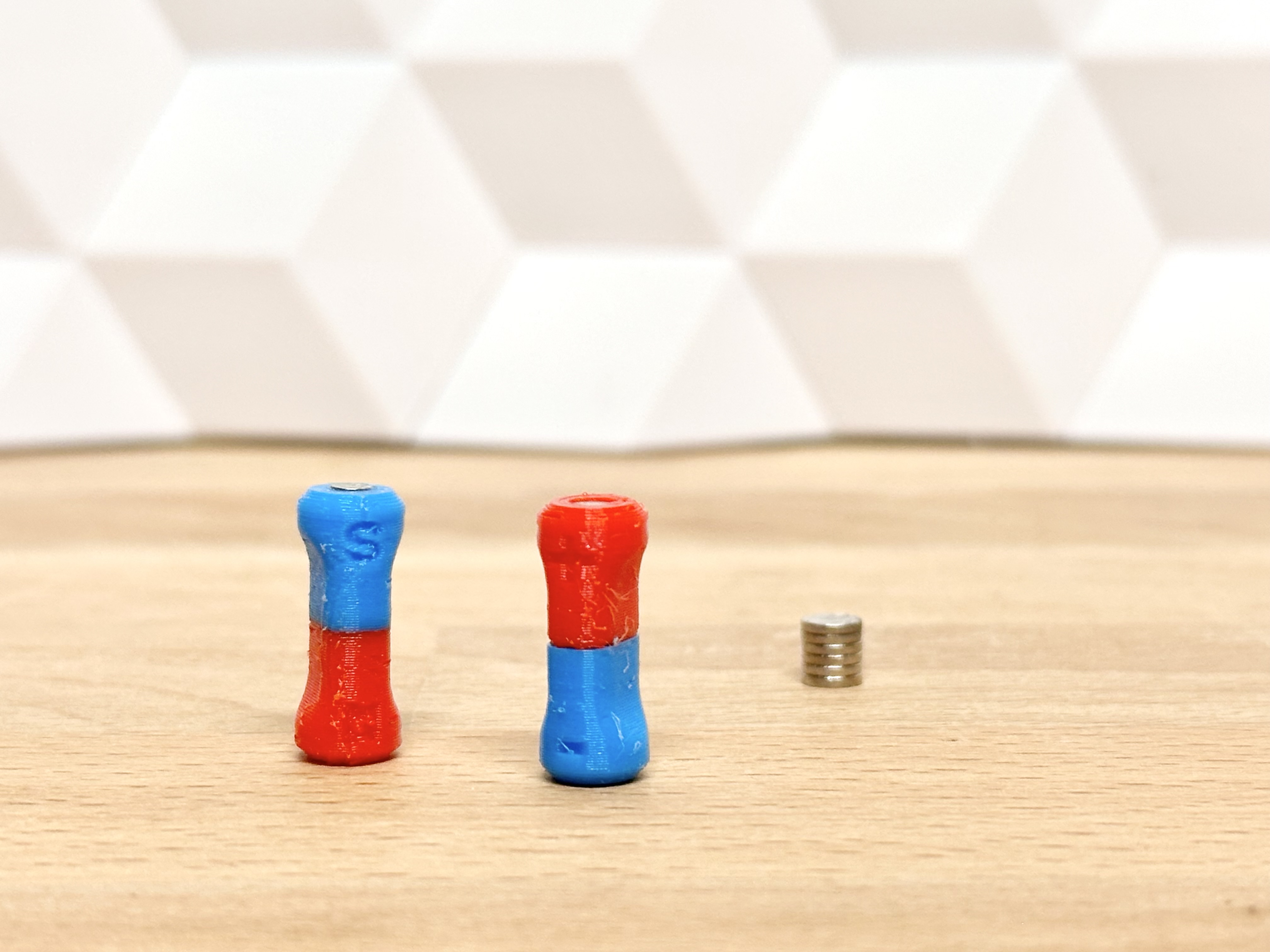
Overview
The model i small a quick to print. It comes in many sizes - but if the size you need is missing, please let me know!
You can print in multiple colors - but 1 color will work too, because there are N/S (or +/-) signs in the model, to show the orientation
The file order here on printables seems a little unintuitive - but if you download all models and sort by name it should be easy to find the right one!
| More practical prints? I got you covered! Check out this collection of practical models - everything from tools to storage solutions. Or maybe see this collection of tool models |
Assembly

- Print the model in 1 or multiple colors
- Glue in a magnet in each end. Use a compas to know what direction is north/south. (When you have done that on 1 model, you can use that for future referencing - awesome!)
Print instructions
This should be a quick and easy print.
- Speed on first layer: 50% (or less) (To ensure good bed adhesion take your time here! There is not a lot of surface to touch the build plate)
- Infill: 30% (makes it stronger if you want it to be).
- Colorchange: change filament halfway through for easy orientation
- Supports: NO supports
- Nozzle: Should work with 0.4 and 0.6 mm - havent got a 0.8 to test.
Happy printing!