
DIY Button Box / Macro Pad - Raspberry Pi Pico
Obliczymy ostateczną cenę na podstawie wybranego pliku. Sprawdzisz ją i zaakceptujesz przed płatnością.
Zapisane na tym urządzeniu.
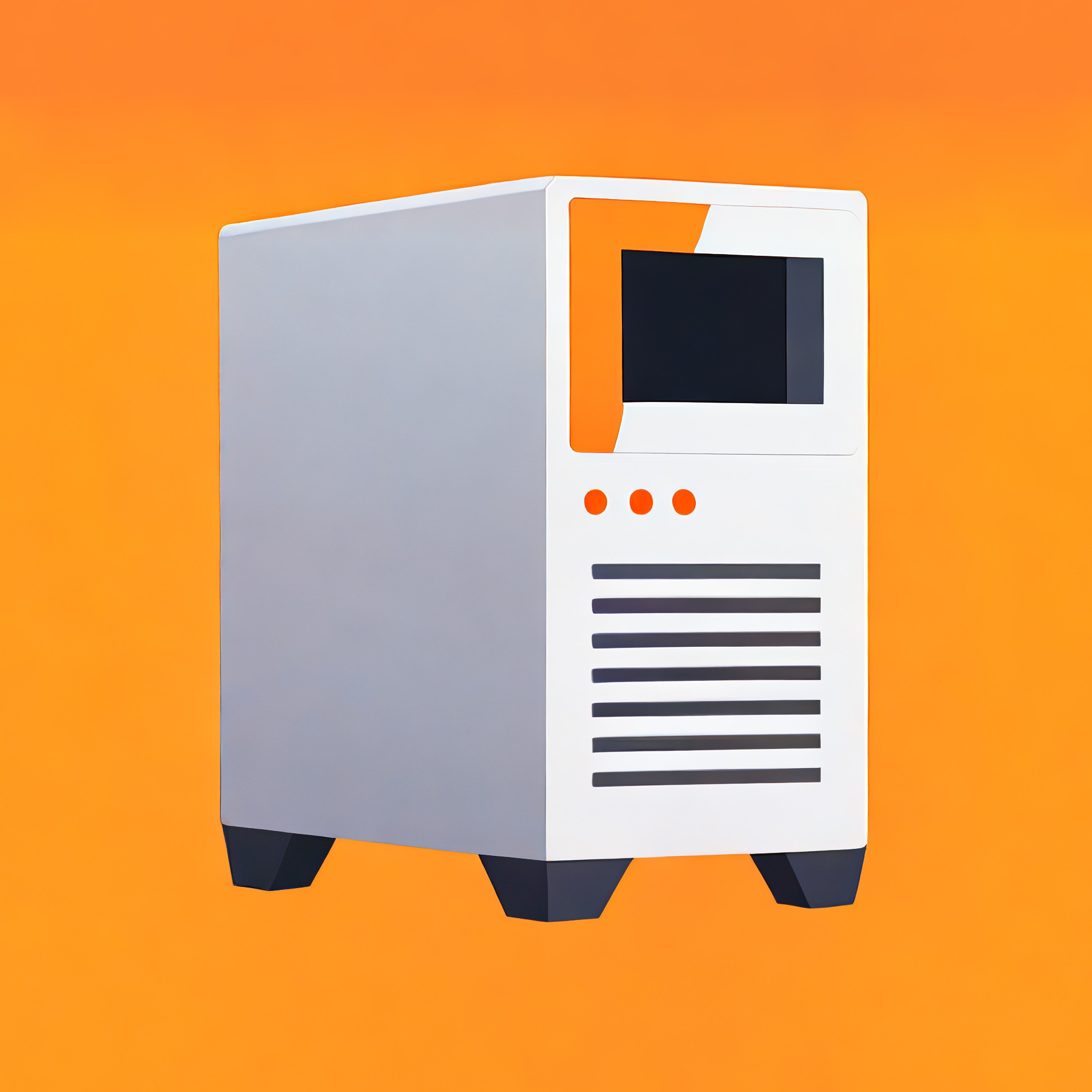
A programmable DIY button box / macro pad with integrated Raspberry Pi Pico mount
- Ocena
- 0 / 5
- Polubienia
- 0
- Pobrania
- 10
- Wydruki
- 0
- Wyświetlenia
- 86
- Oceny
- 0
Aktualizacja u źródła:
Informacje o modelu
- Źródło
- Printables
- Kategoria
- Computers
- Licencja
- Creative Commons — Attribution — Noncommercial
Fully Programmable DIY Macro Pad & Button Box based on the Raspberry Pi Pico
Build your own custom control interface powered by the Raspberry Pi Pico.
Key Features
Multiple Layout Configurations
Choose between a 9-button or 12-button top plate, as well as the option to have a side button in the main body.
Integrated Raspberry Pi Pico Mount
The backplate comes with mounting holes for a Raspberry Pi Pico.
13 mm Diameter Holes
The front plate is designed to take buttons and switches that fit a 13mm diameter hole.
Examples:
https://www.amazon.de/dp/B095SD62TM
https://www.amazon.de/dp/B08MQ8JFDG
Adaptable mounting
The backplate features four threaded M3 mounting holes that can be used to create a mounting solution that fits your needs. A 4040 profile mount is included with the project.

Bill of materials
Raspberry Pi Pico / Pico 2 (W)
Micro USB cable
Wires
M3 screws for case
M2 screws for Rasberry Pi Pico
Software
Firmware: CircuitPy
https://circuitpython.org/
IDE: Thonny
https://thonny.org/
Code: Codeberg
https://codeberg.org/DailyCompute/DIY-Macro-Pad
Print Settings
Material: PLA
Layer Height: 0.2mm
Infill: 15%
Perimeter: 3
Supports: Only for the main body
If you like this project, please post your makes! I'd love to see your setups! Happy building! 🚀
Changelog
Version 1.1 - May 10th 2026
Added link to code on codeberg.org
Version 1.0 - May 9th 2026
Initial Release, code is work in progress and will be added later.