Prusa Mk3/4, Bambu X1C, P1, A1 Build Plate holder with eject button
We calculate the final price from your selected file. You review and accept it before payment.
Saved on this device.
I made modular build plate holder. Easy to print and mount horizontal or vertical.
- Rating
- 4.75 / 5
- Likes
- 449
- Downloads
- 940
- Makes
- 15
- Views
- 7,752
- Reviews
- 12
Updated at source:
Model information
- Source
- Printables
- Category
- Prusa Parts & Upgrades
- License
- Creative Commons — Attribution — Share Alike
Big update:
New, Simple Version of The FNT Plates storage for Prusa MK3/4/Core One has been released.
You can find it here.
Hi,
A have many build plates for both Prusa and Bambu printers and very limited space for storage. So I decided to create plates holder with eject button for easy insertion and removal.
It is without complicated extraction. There is no danger of the printing surface getting dirty from greasy fingers :-)
By pressing the button, the build playe ejects approximately 3 cm. By inserting the build plate, the button will pop out easily.
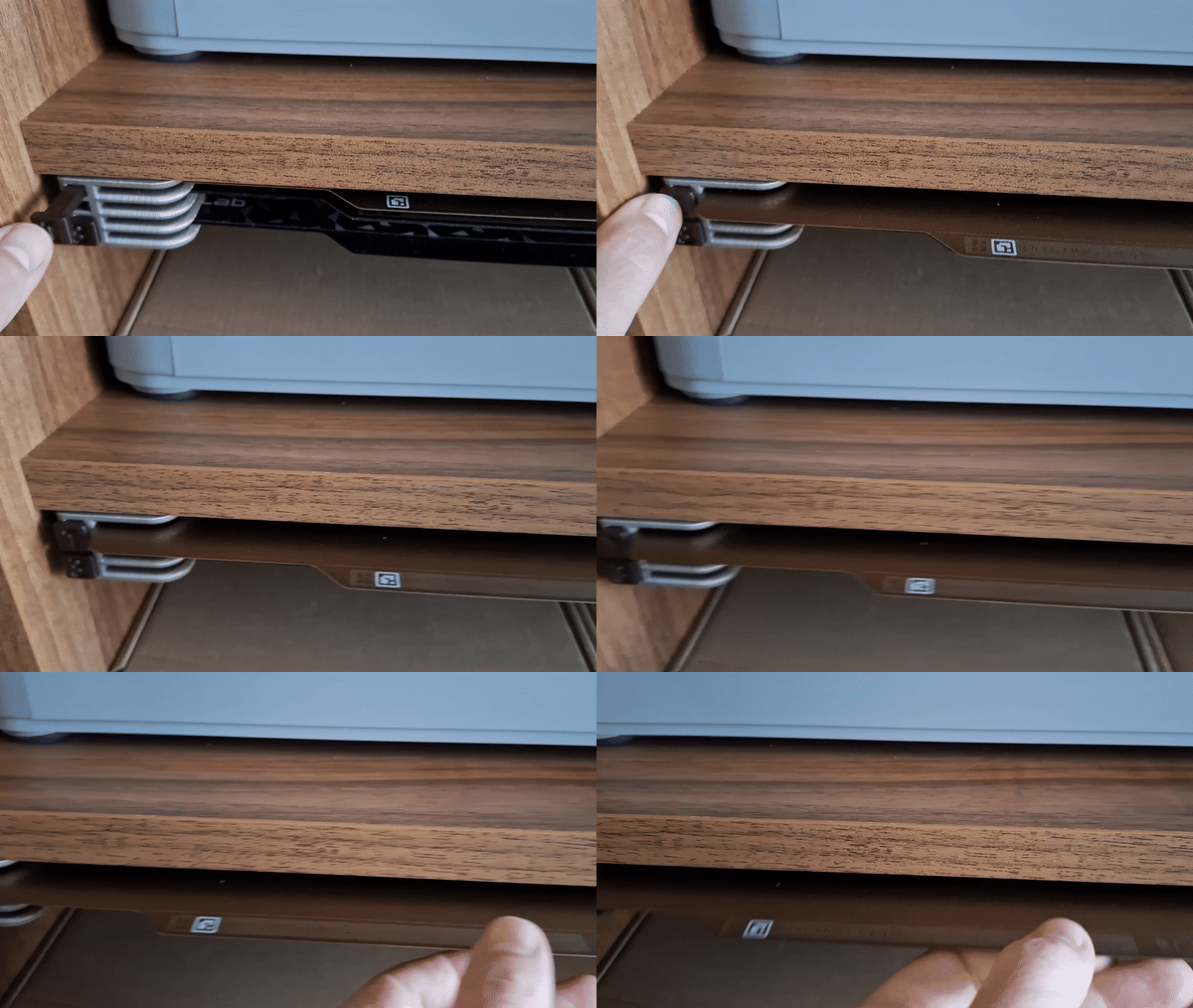
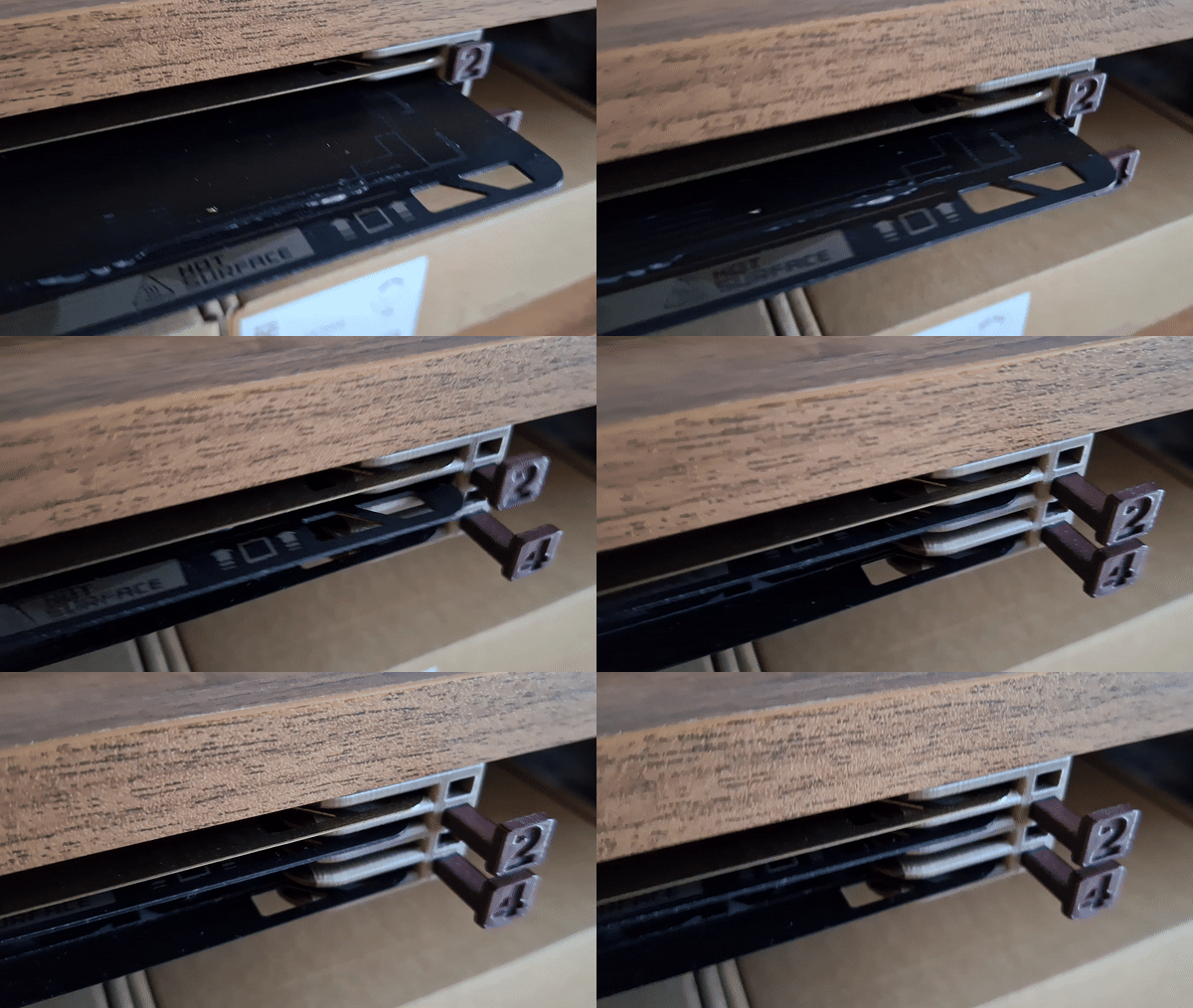

You can choose from several options:
for Prusa's MK3/MK4 build plates
for Bambu X1/P1 build plates
Size:
for 1 build plate
for 2 build plates
for 4 build plates
for 6 build plates
Buttons:
With big or small eject buttons
Without eject buttons body
Reversed version of buttons

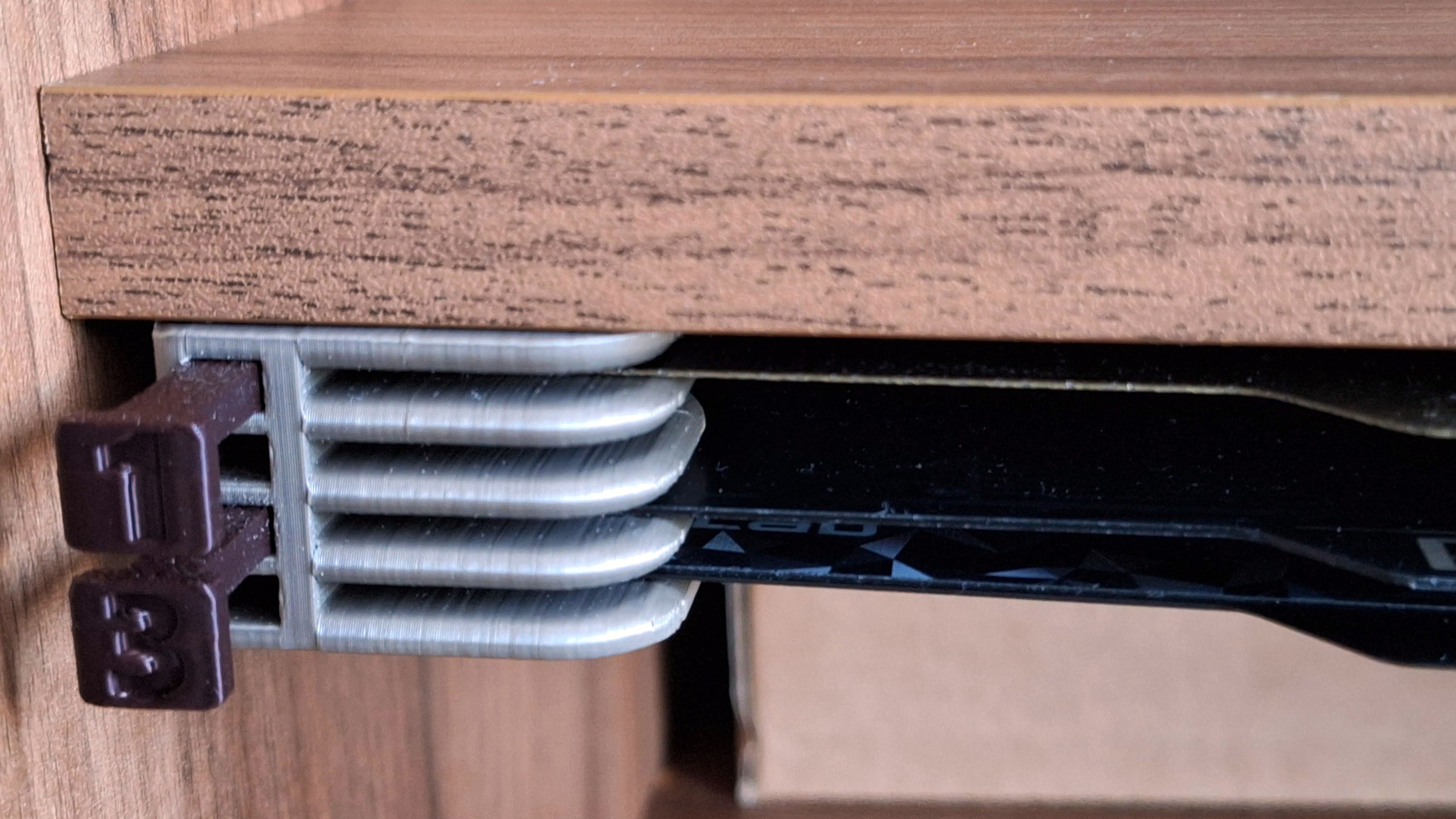

Assembly:
print Holder body (Left+Right), buttons and arms
Insert button to the holder
push the arm into the holder firmly
mount holder using 3mm/4mm screws


Printing instructions:
PLA / PETG is OK
3 perimeters, 20 % infill, no supports
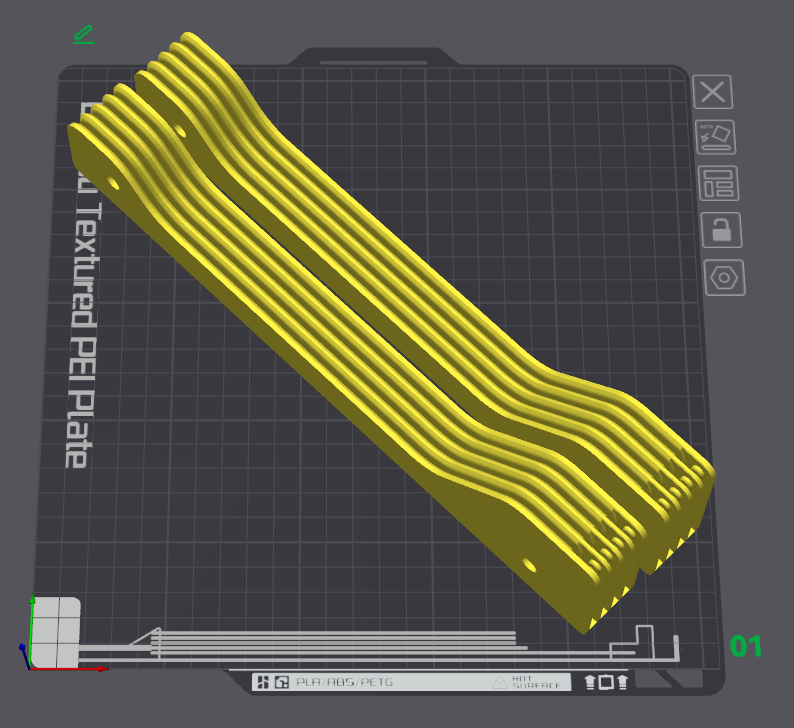
Body print orientation: